1
Click on Appointments by Date in the left control panel.
0:15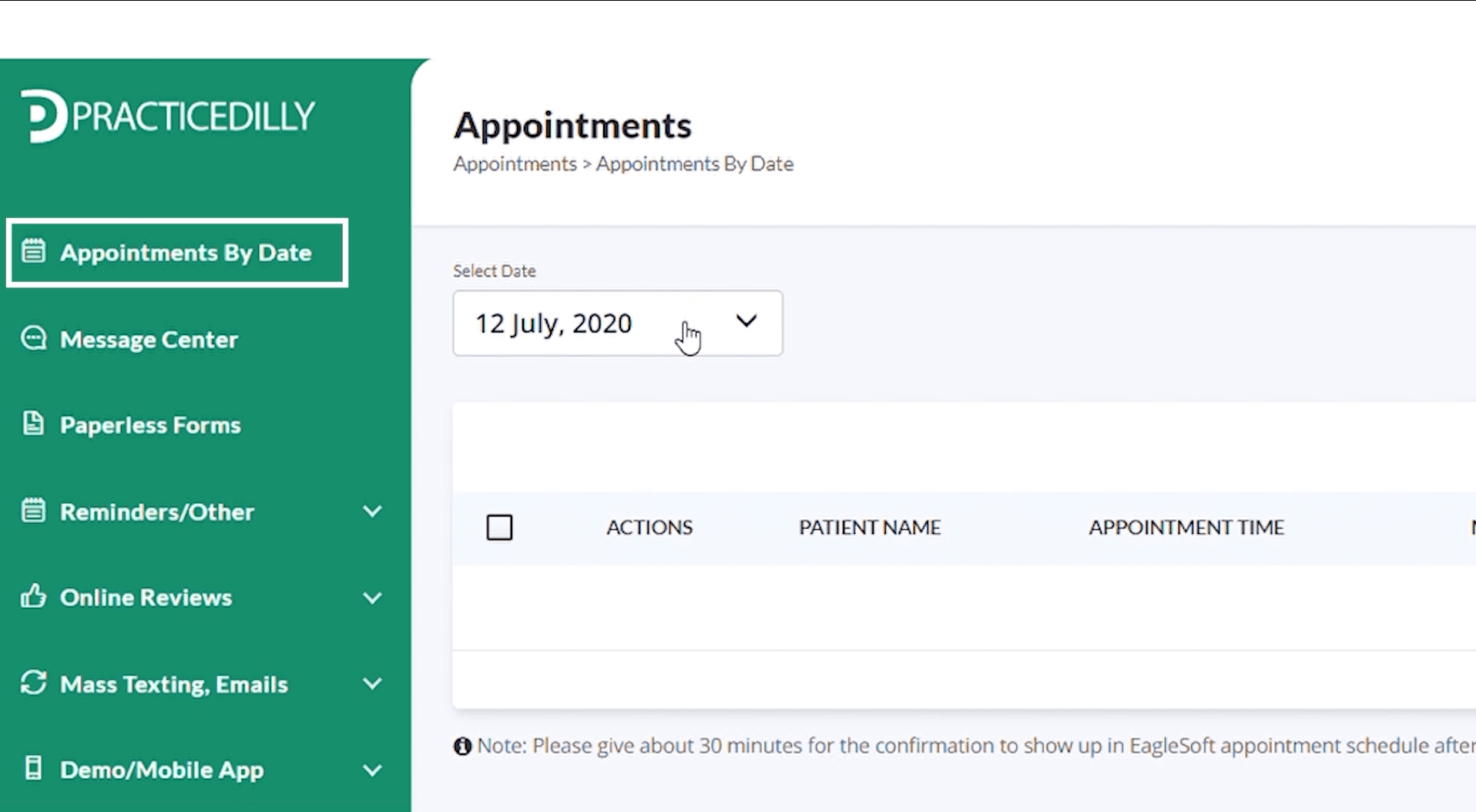
Select patients from an appointment date and send them a simple review request with direct links to your Google, Yelp, and Facebook profiles.
Click on Appointments by Date in the left control panel.
0:15Select the desired date.
0:20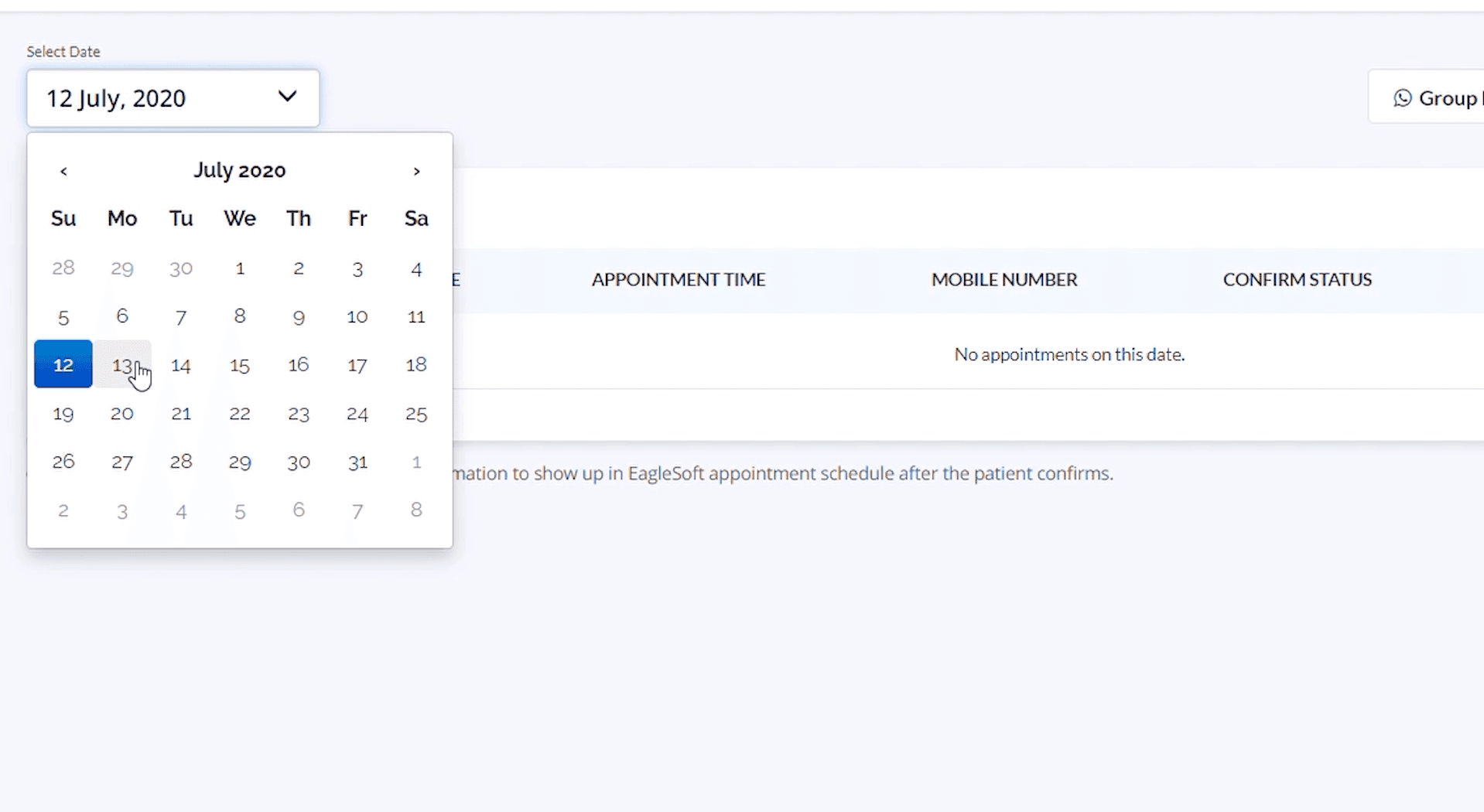
Select all the checkboxes if you wish to request a review from all the patients. However, if you don't wish to request a review from some patients, you can uncheck their boxes.
0:37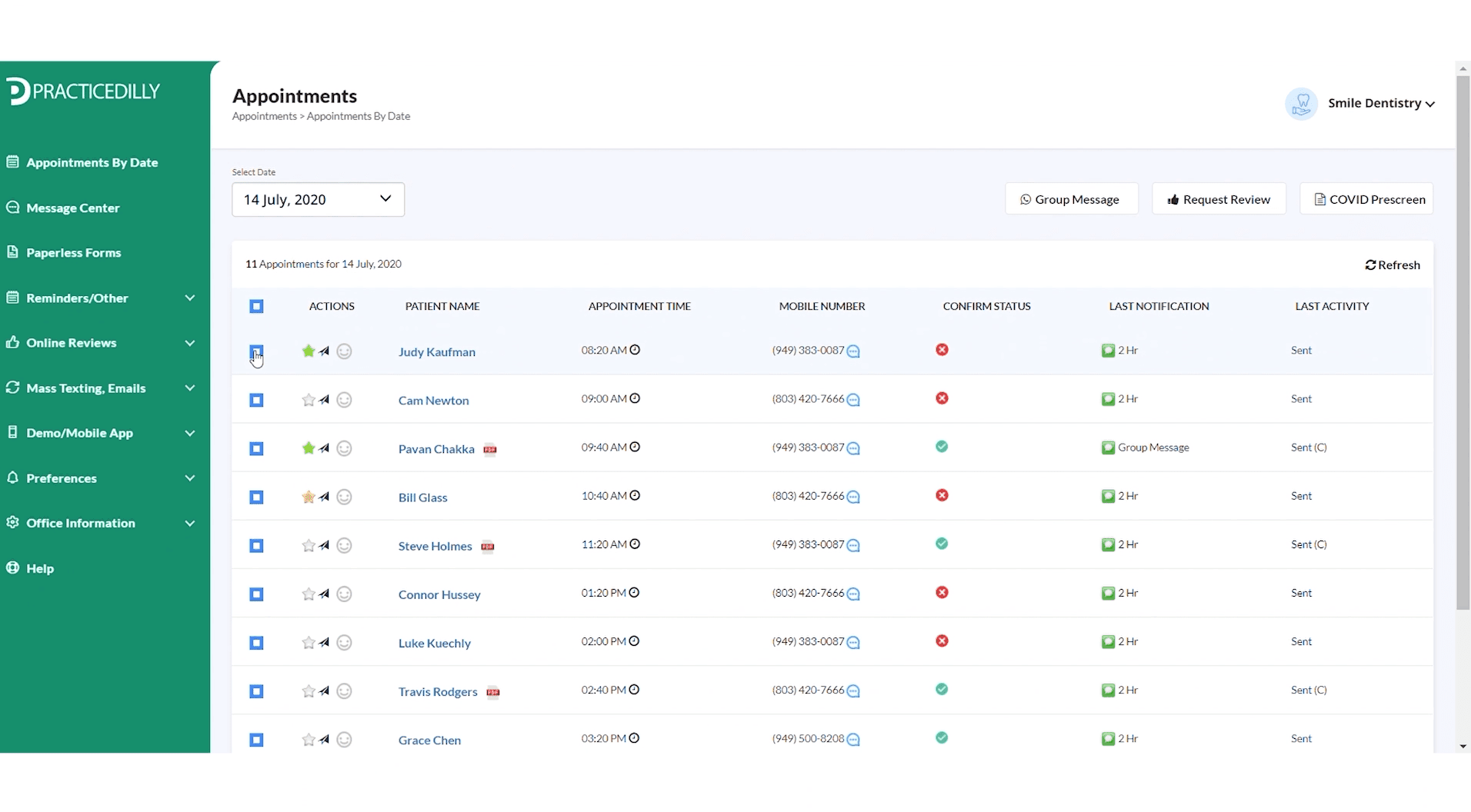
Click on the Request Review button on the top panel.
0:40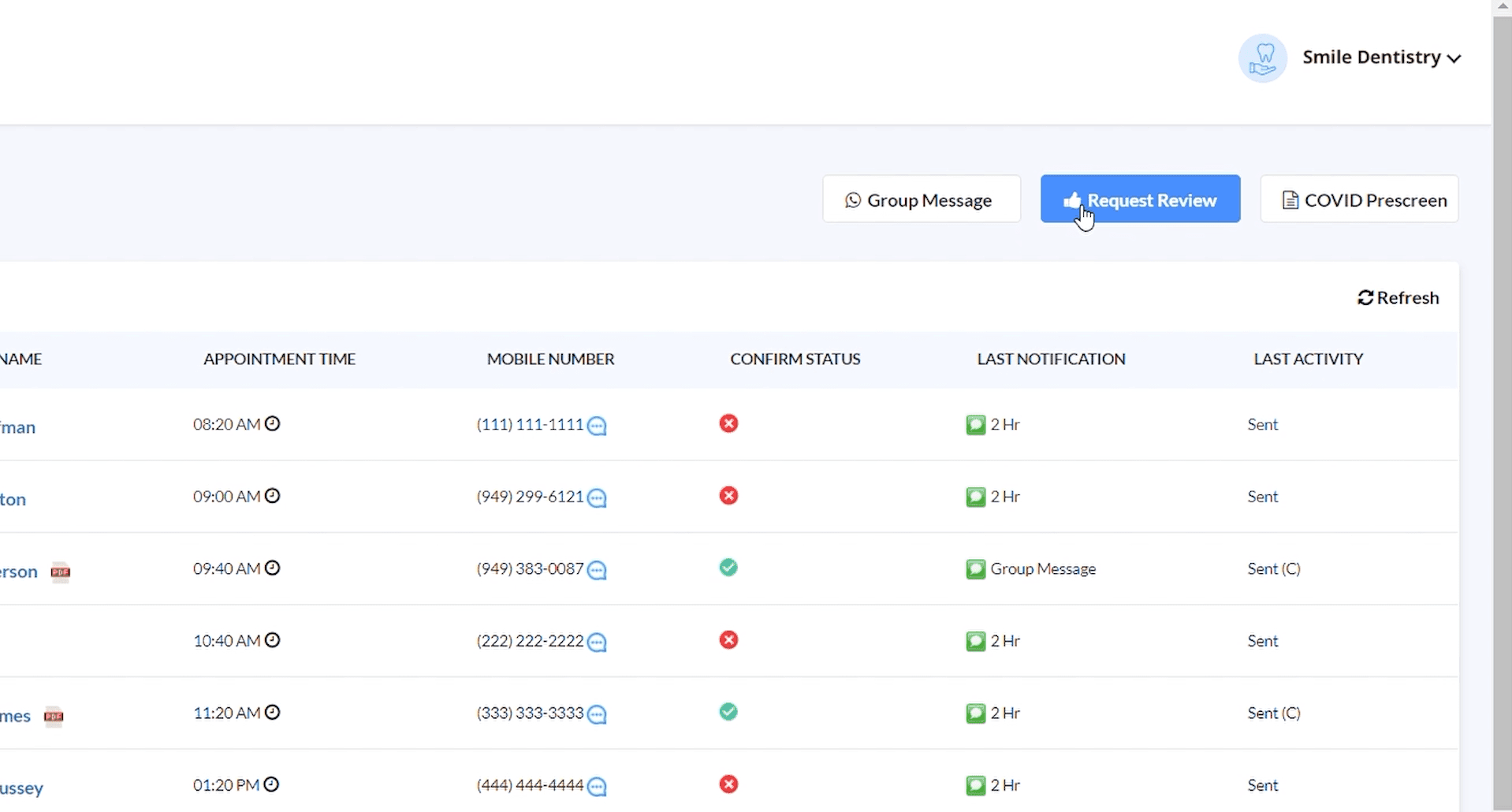
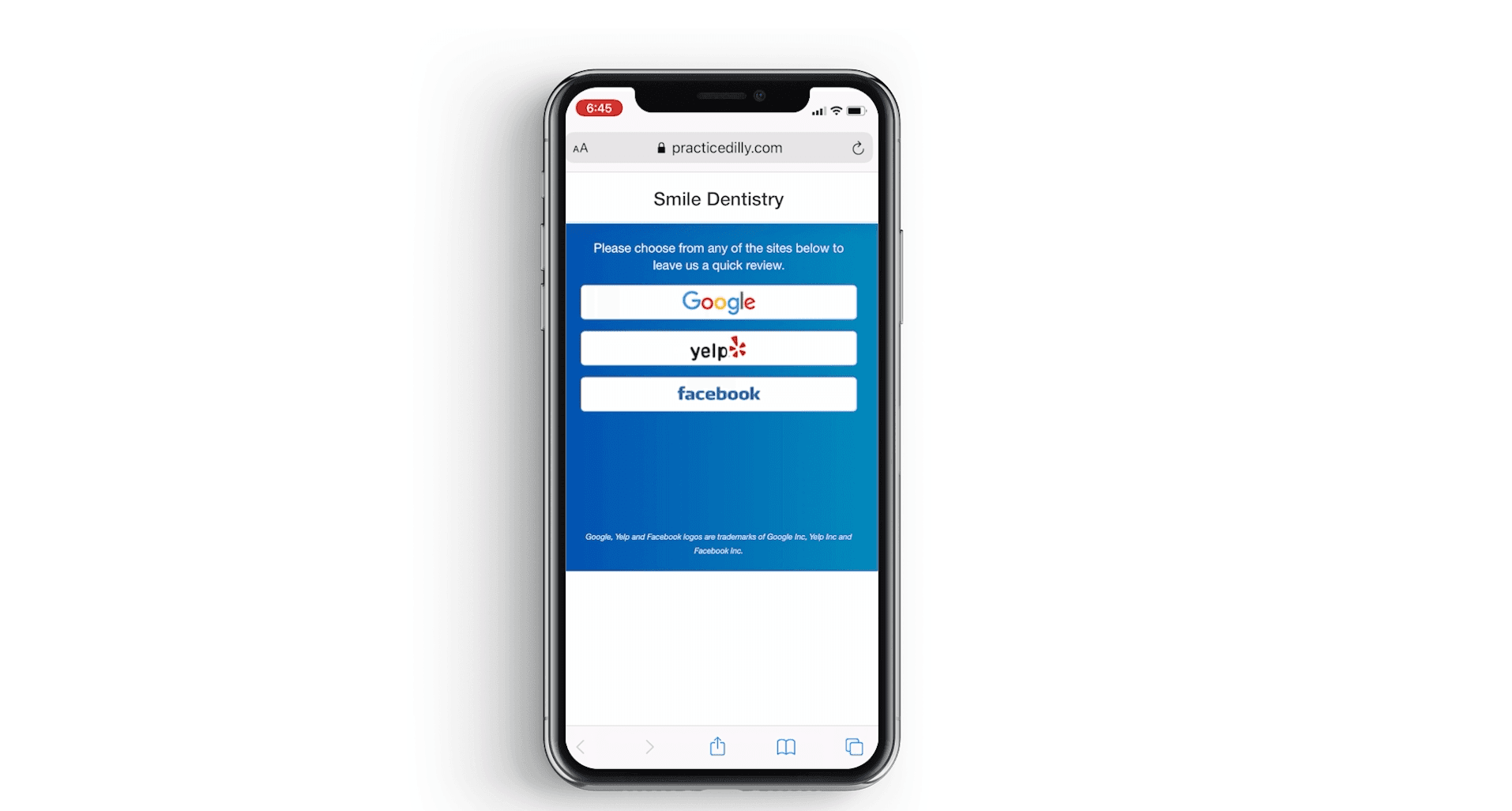
When the patients click on the link, they will be asked to choose from some of the popular review sites.
0:50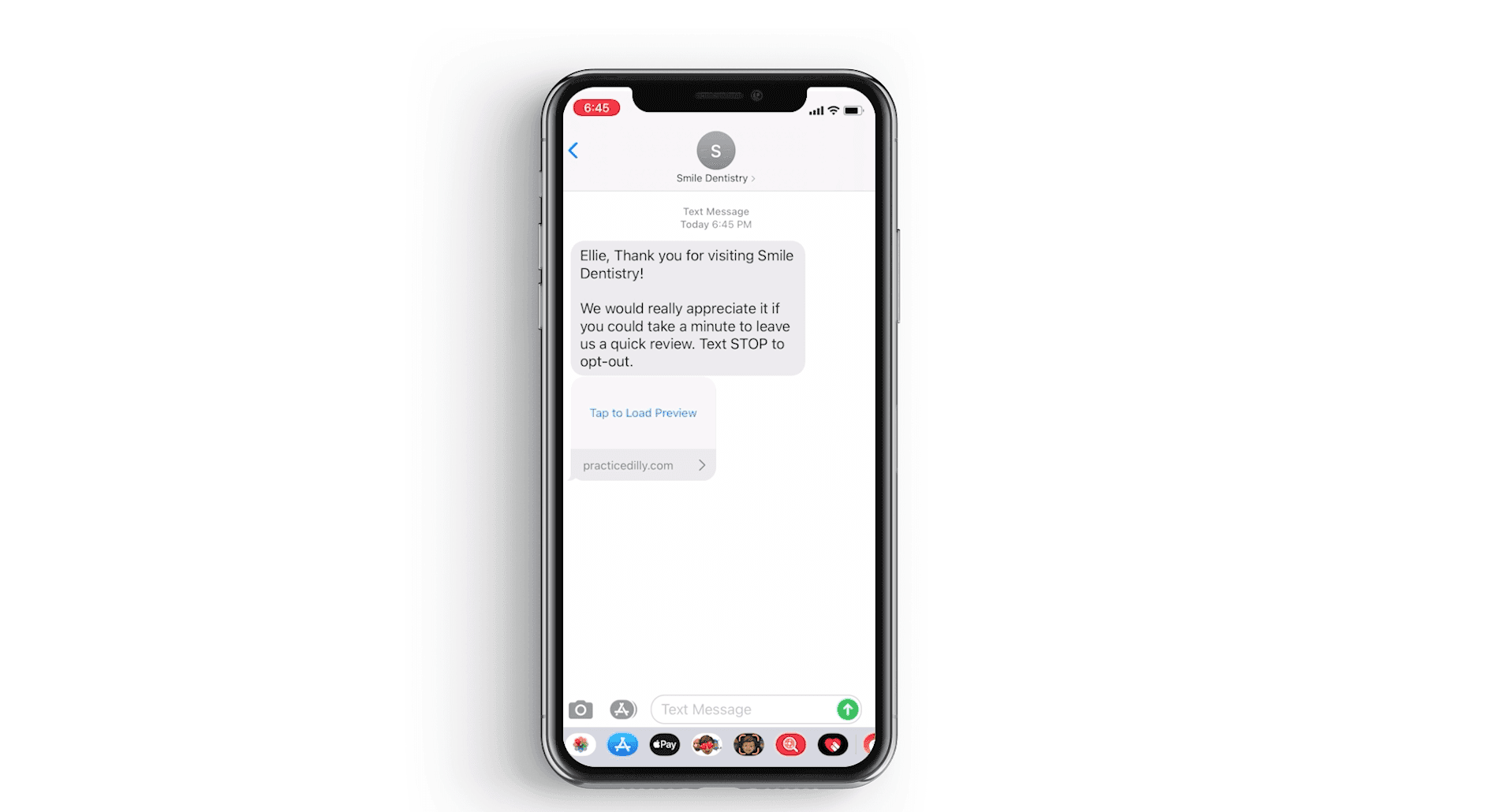
Clicking on the google button, will take them to your office's google reviews page where they can rate and write a review
1:00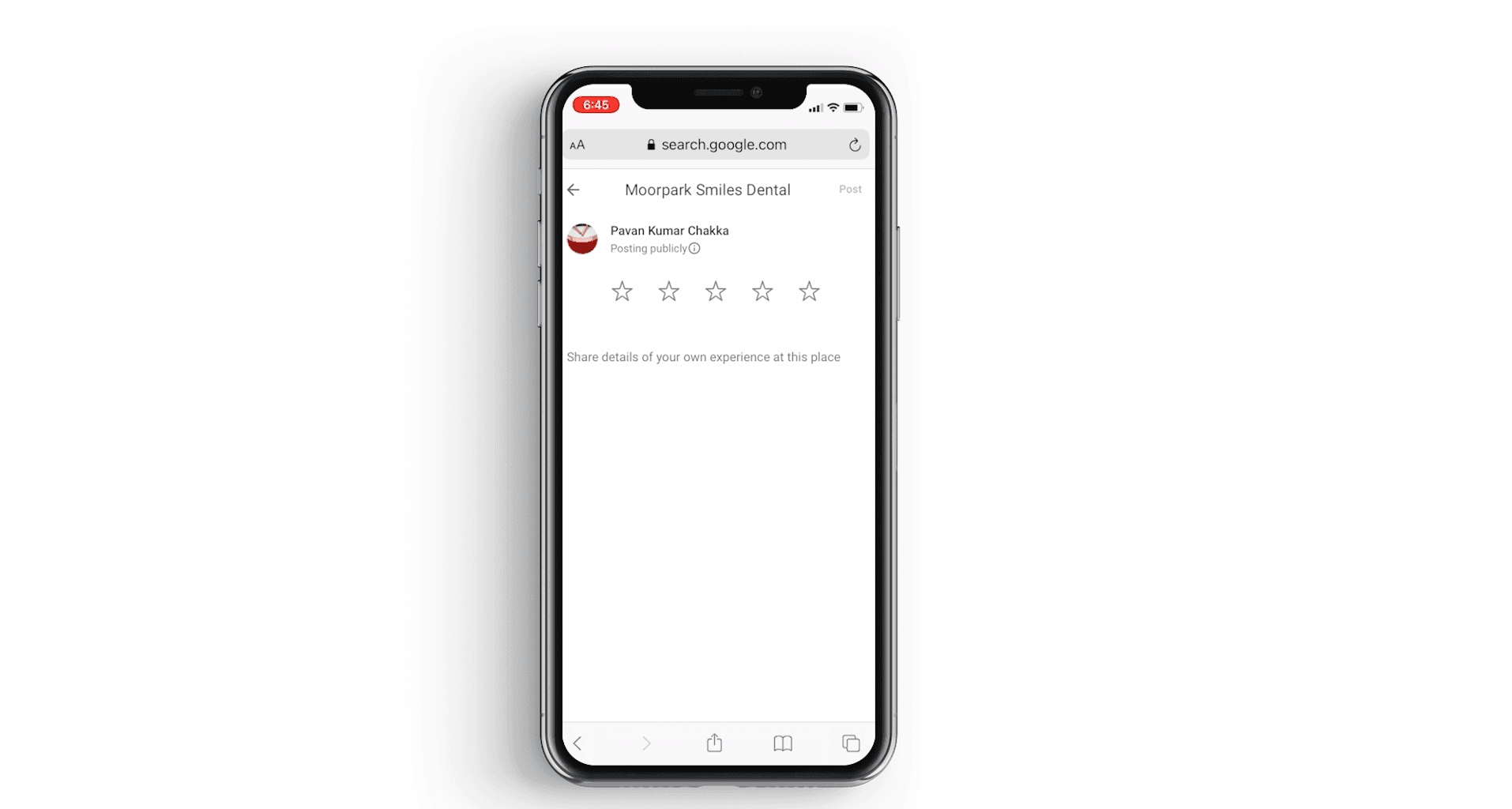
It works in a similar manner for Yelp and Facebook.
1:03