1
Click Online Reviews in the left panel and click on Settings.
0:18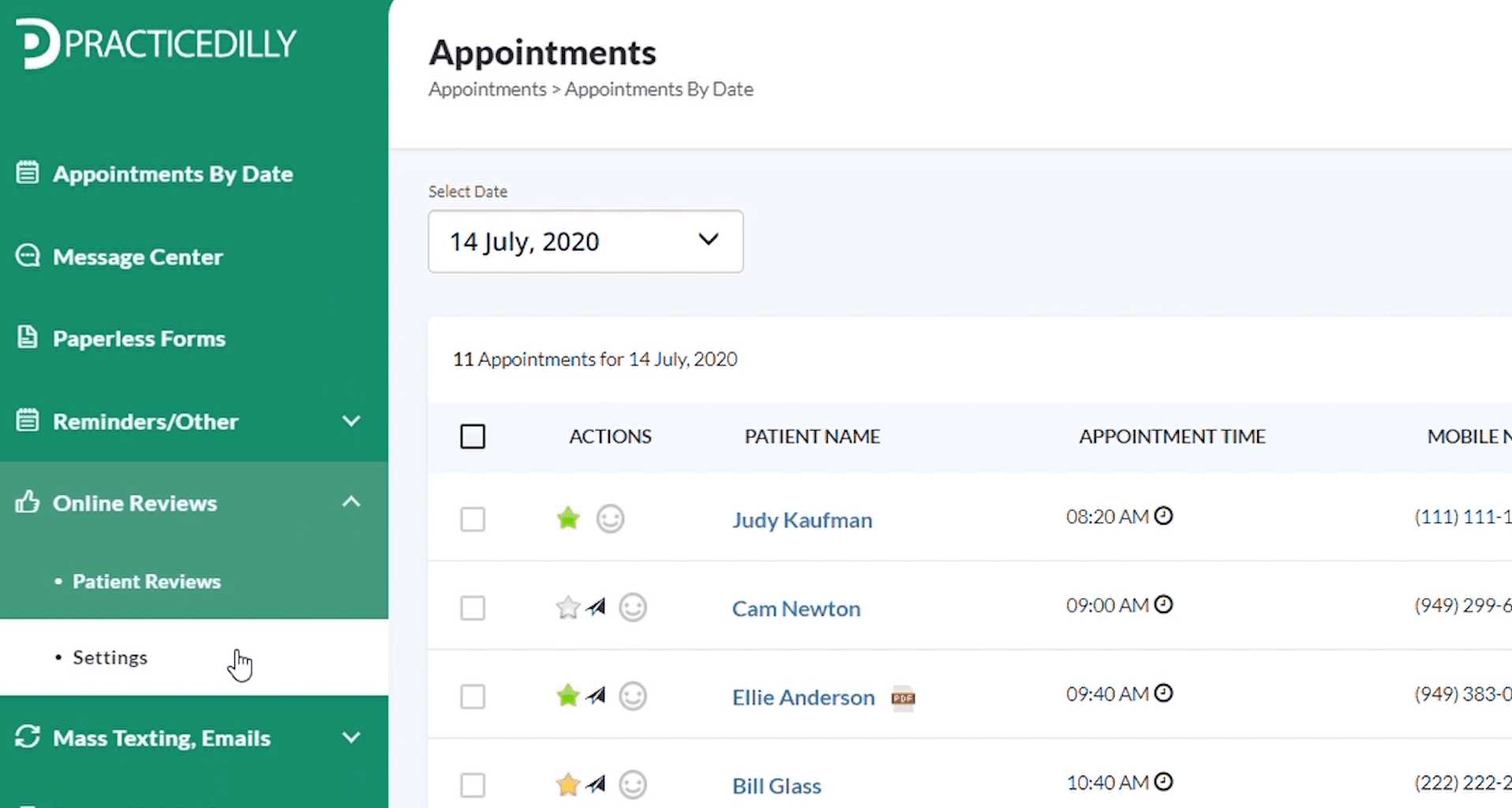
Turn on automated online-review requests and control which patients receive invitations to review your office.
Click Online Reviews in the left panel and click on Settings.
0:18Turn on the Automated Requests toggle button and Click the Save button.
0:25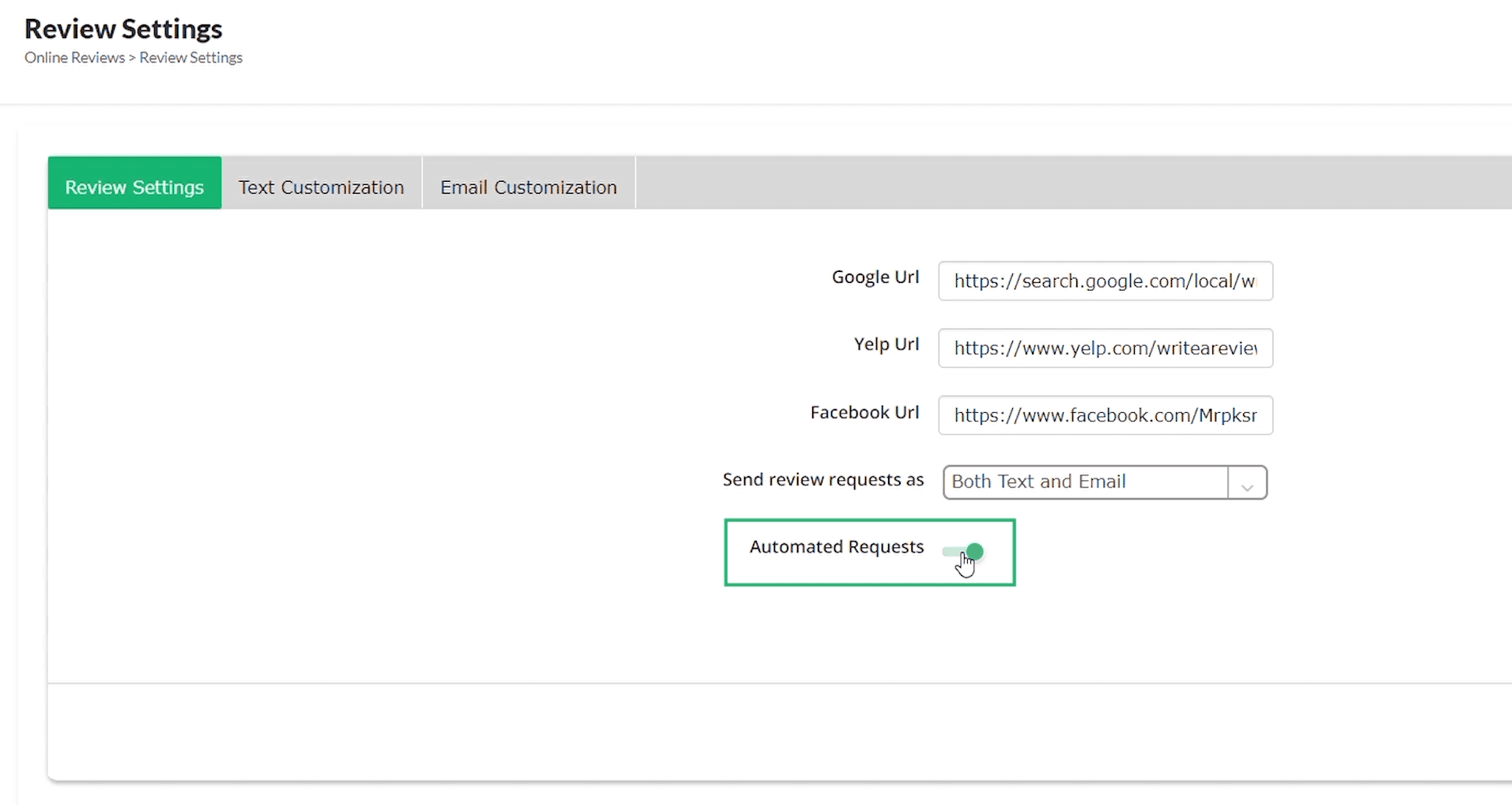
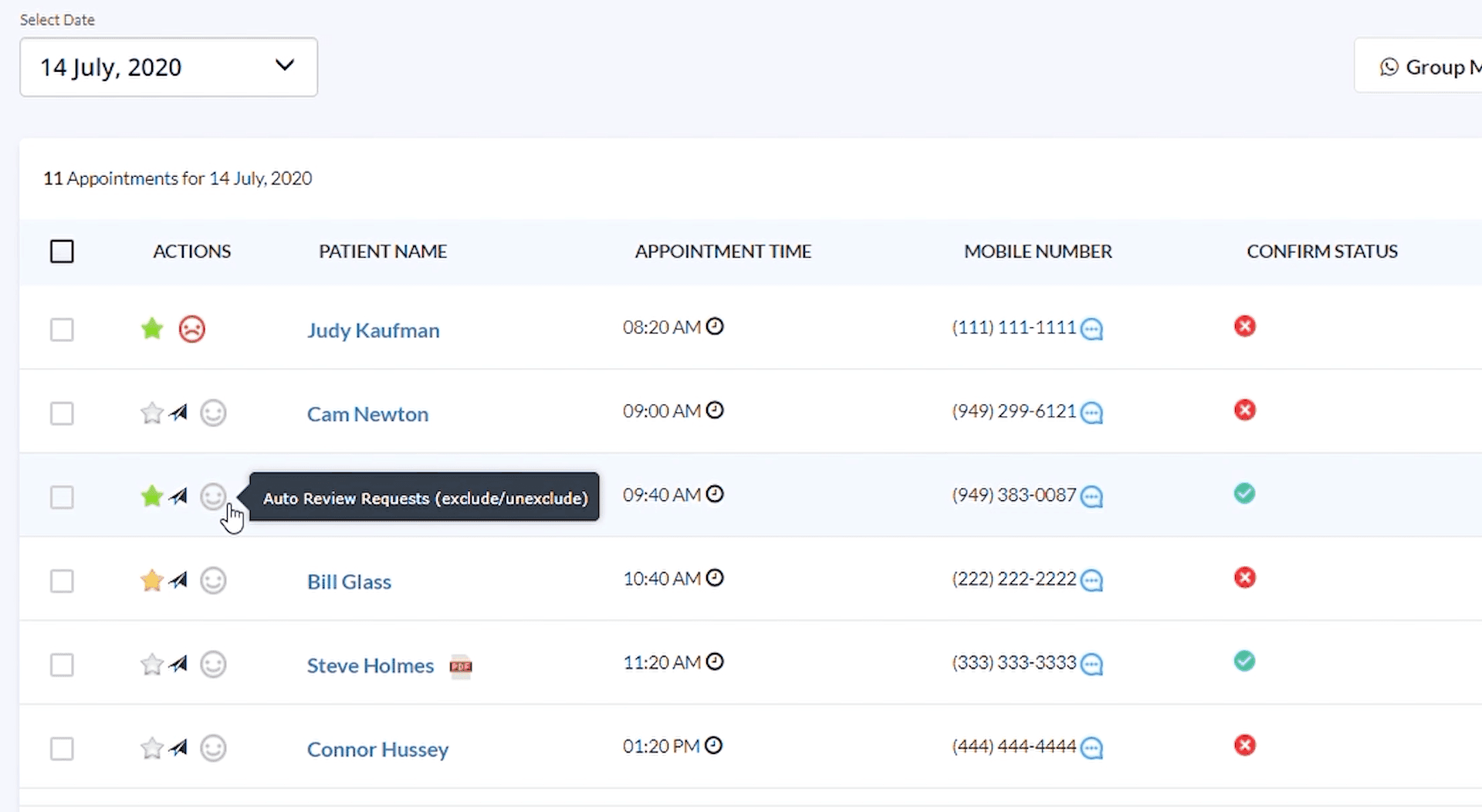
To exclude certain patients from receiving the review requests, go to the Appointments page and on the schedule click on the grey smiley next to the patient's name.
1:07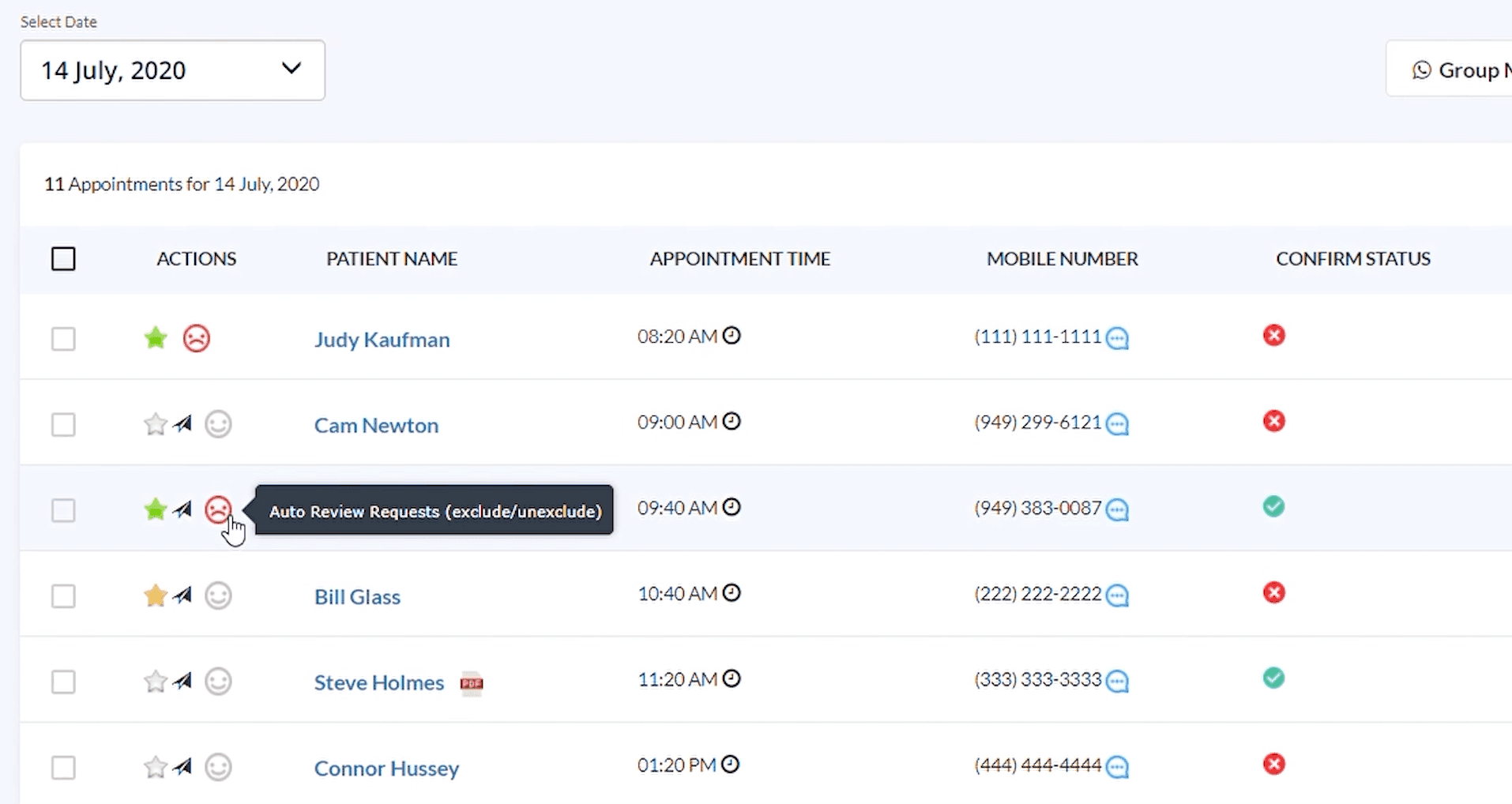
To include, turn them back to grey smiley.
1:11