1
When the patient responds with C, the appointment is automatically marked as confirmed in Dentrix, Eaglesoft or Opendental software.
0:20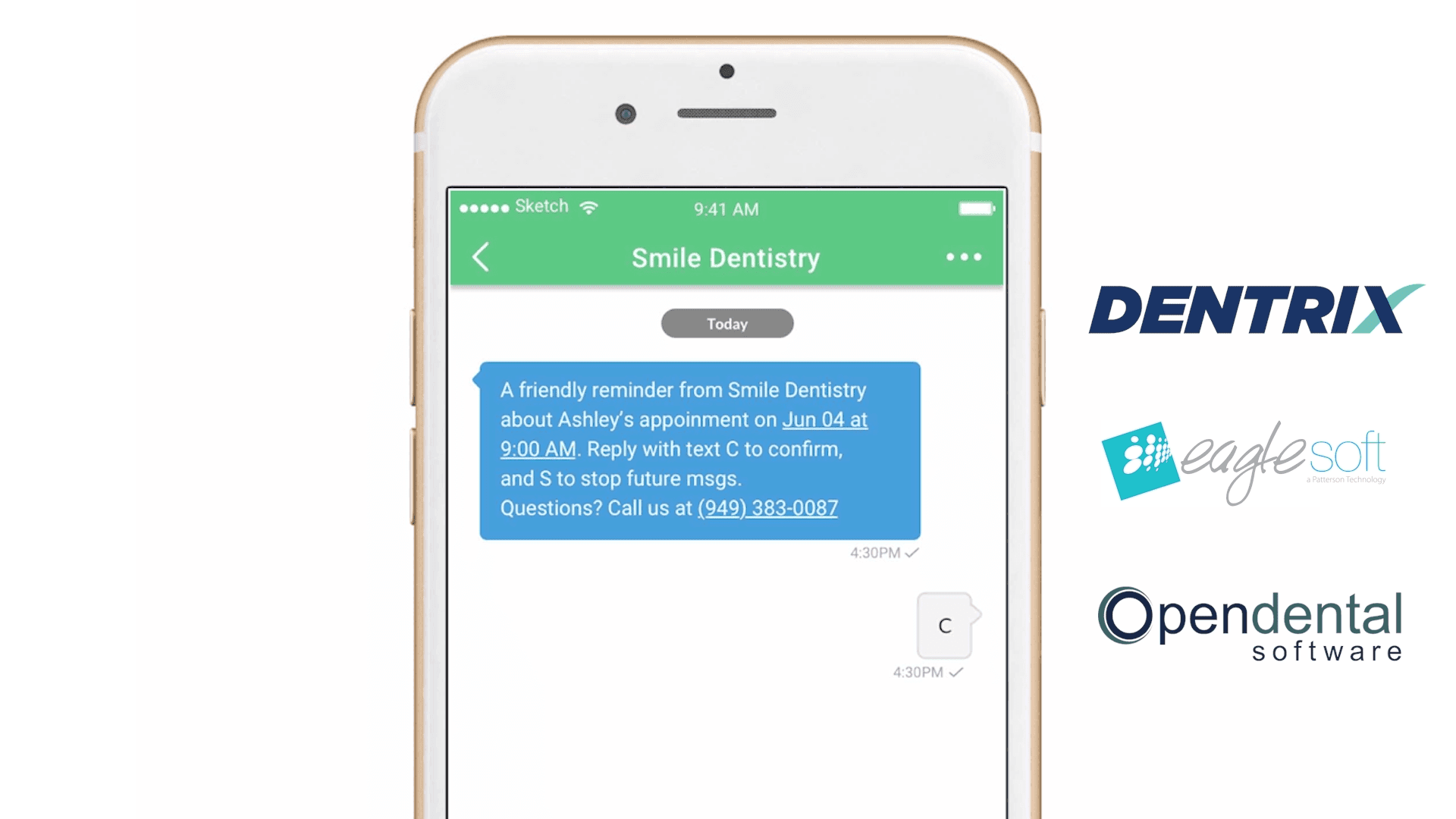
See how PracticeDilly keeps appointment confirmations, reminder delivery, and patient communication visible in one place.
When the patient responds with C, the appointment is automatically marked as confirmed in Dentrix, Eaglesoft or Opendental software.
0:20Additionally the software will also recognize other responses as confirmations.
0:26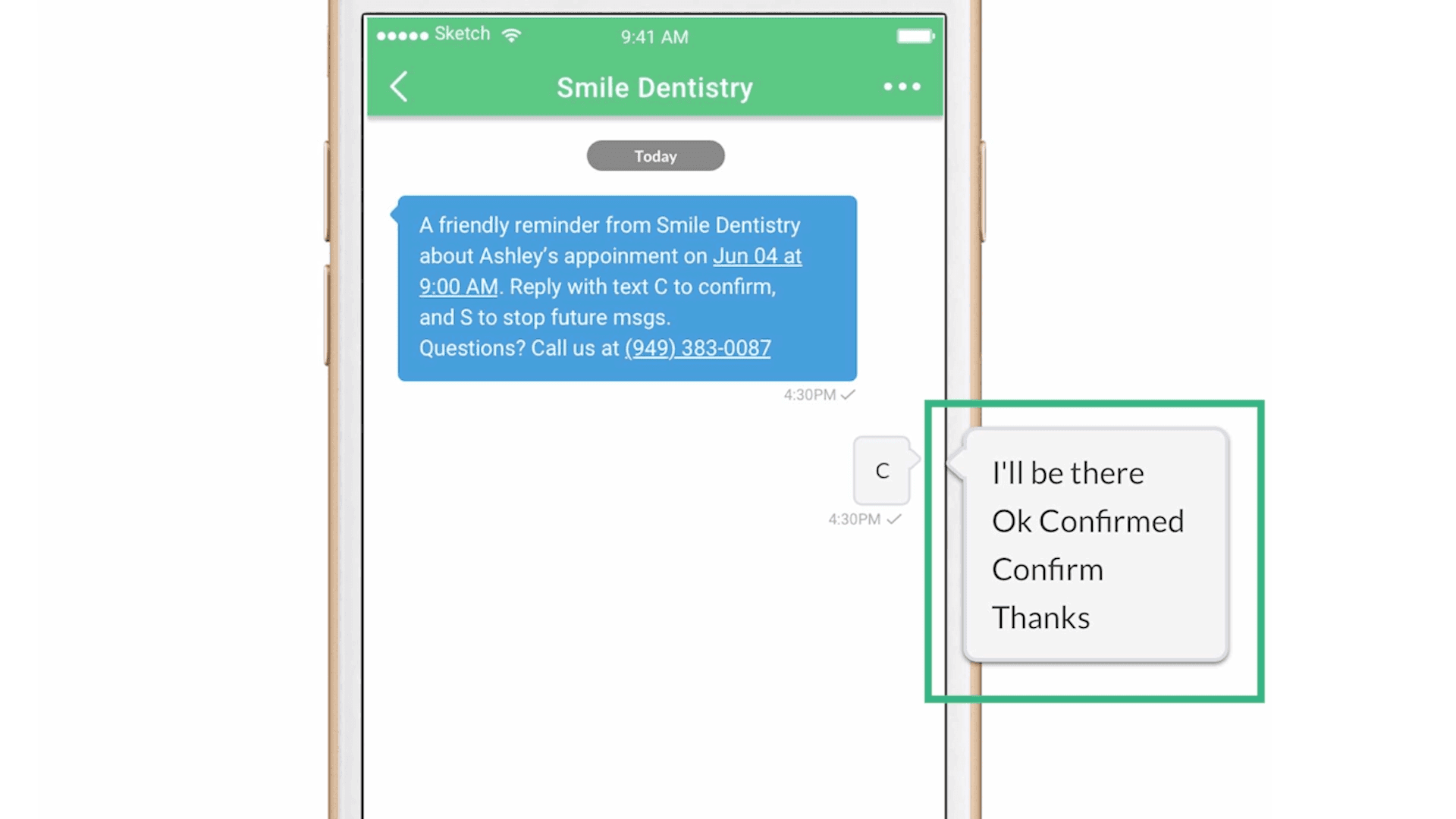
Here's an example of an appointment reminder email sent to the patient. The patient can click on Confirm Appointment or can Request for Reschedule. Patients can also verify the insurance on file. There's a link to complete the new patient paperwork too.
0:44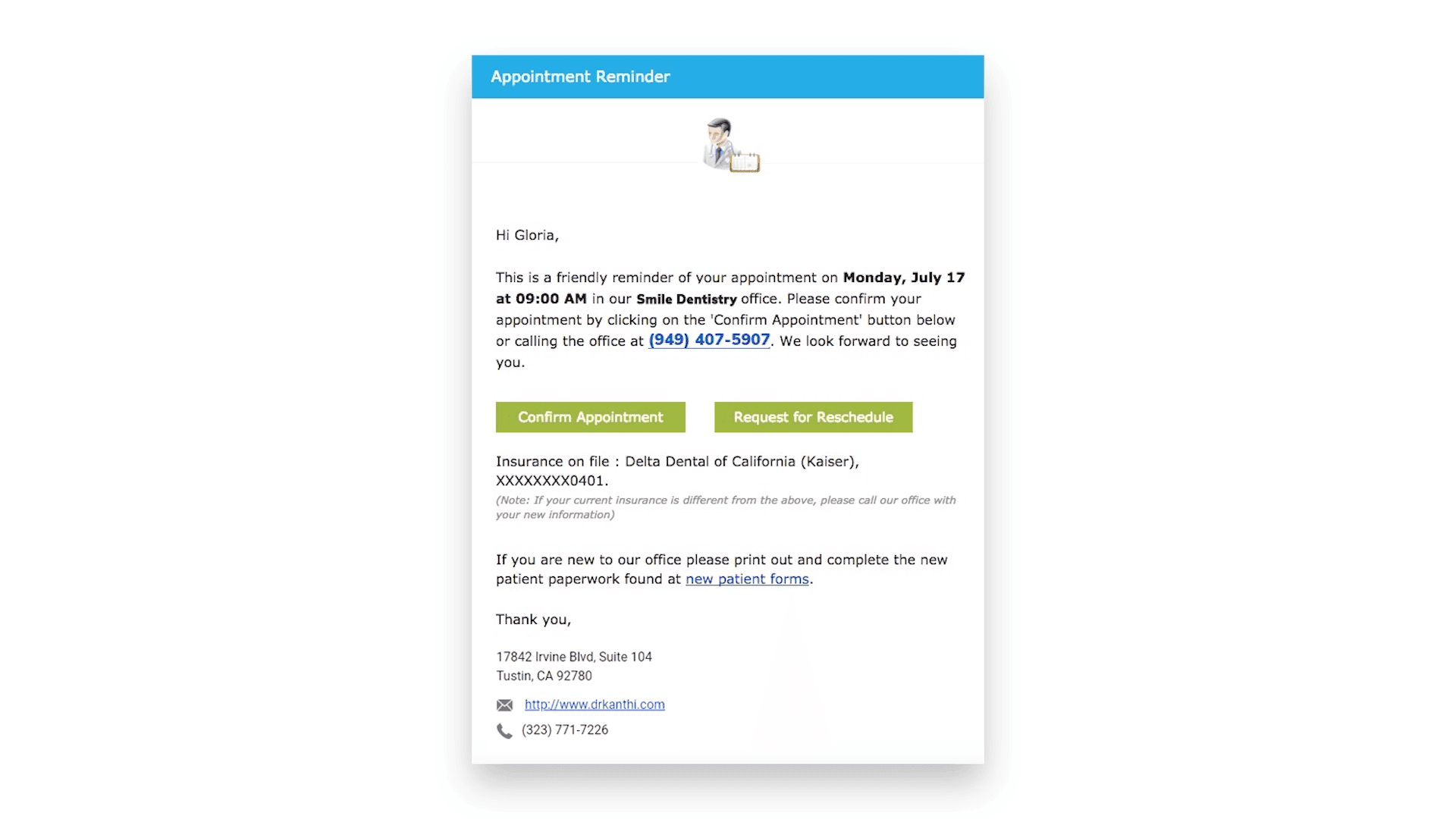
Check the status of all your appointments and notifications on the Appointment Schedule page.
0:50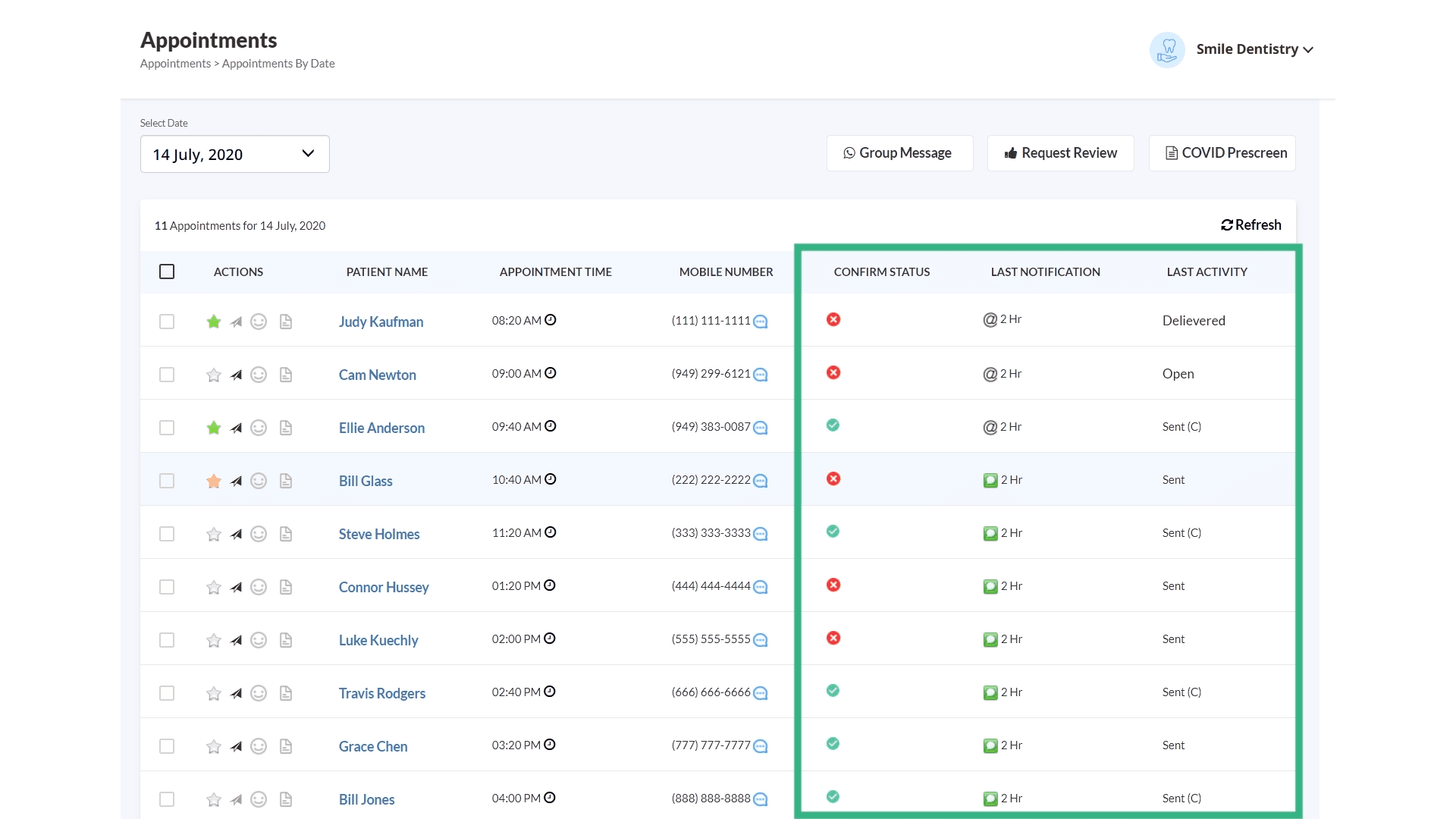
If it is an email, you can check whether it's opened, delivered etc.
0:56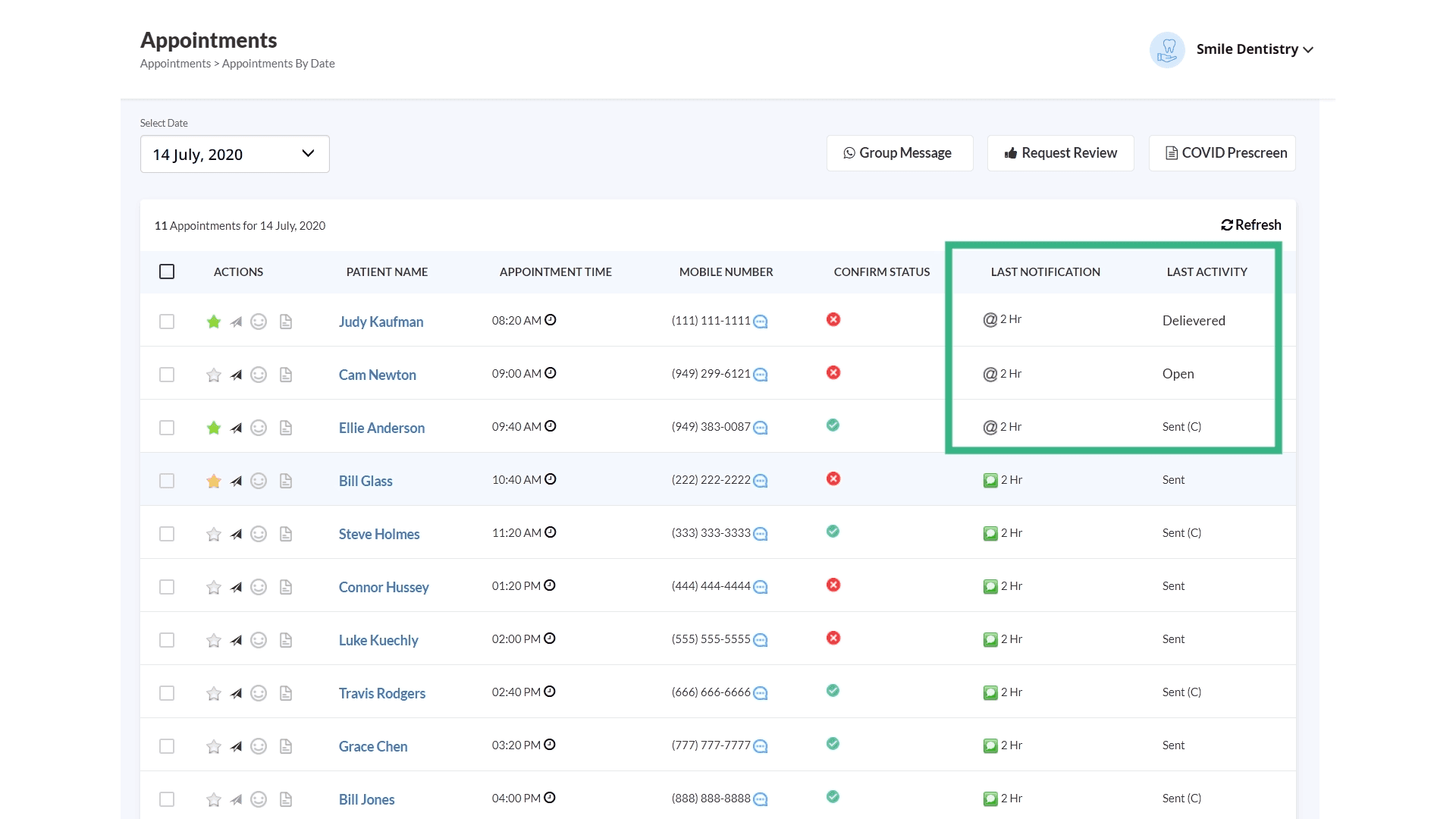
If it is a text message, you can see if the message is sent successfully or failed for any reason.
1:01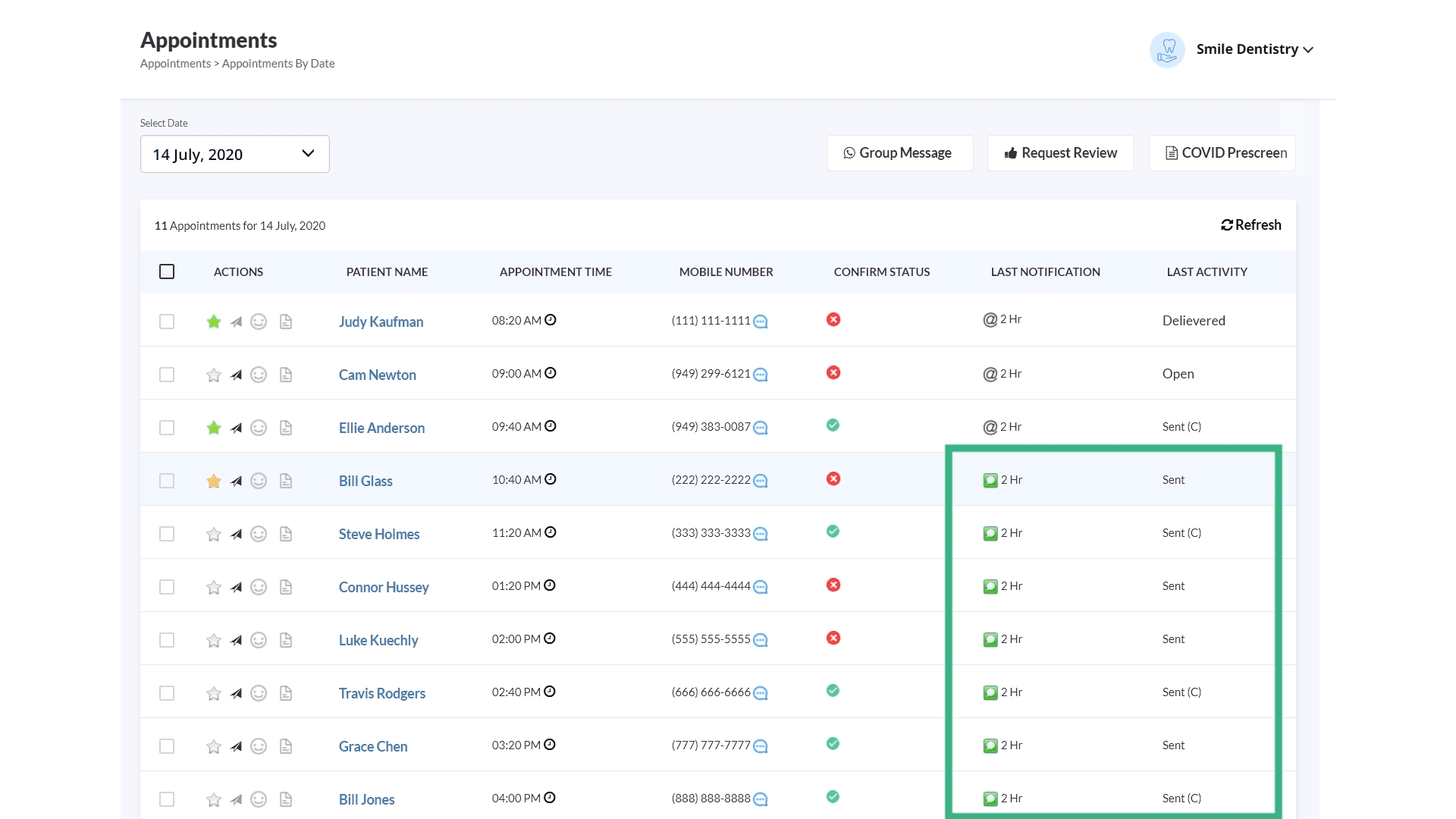
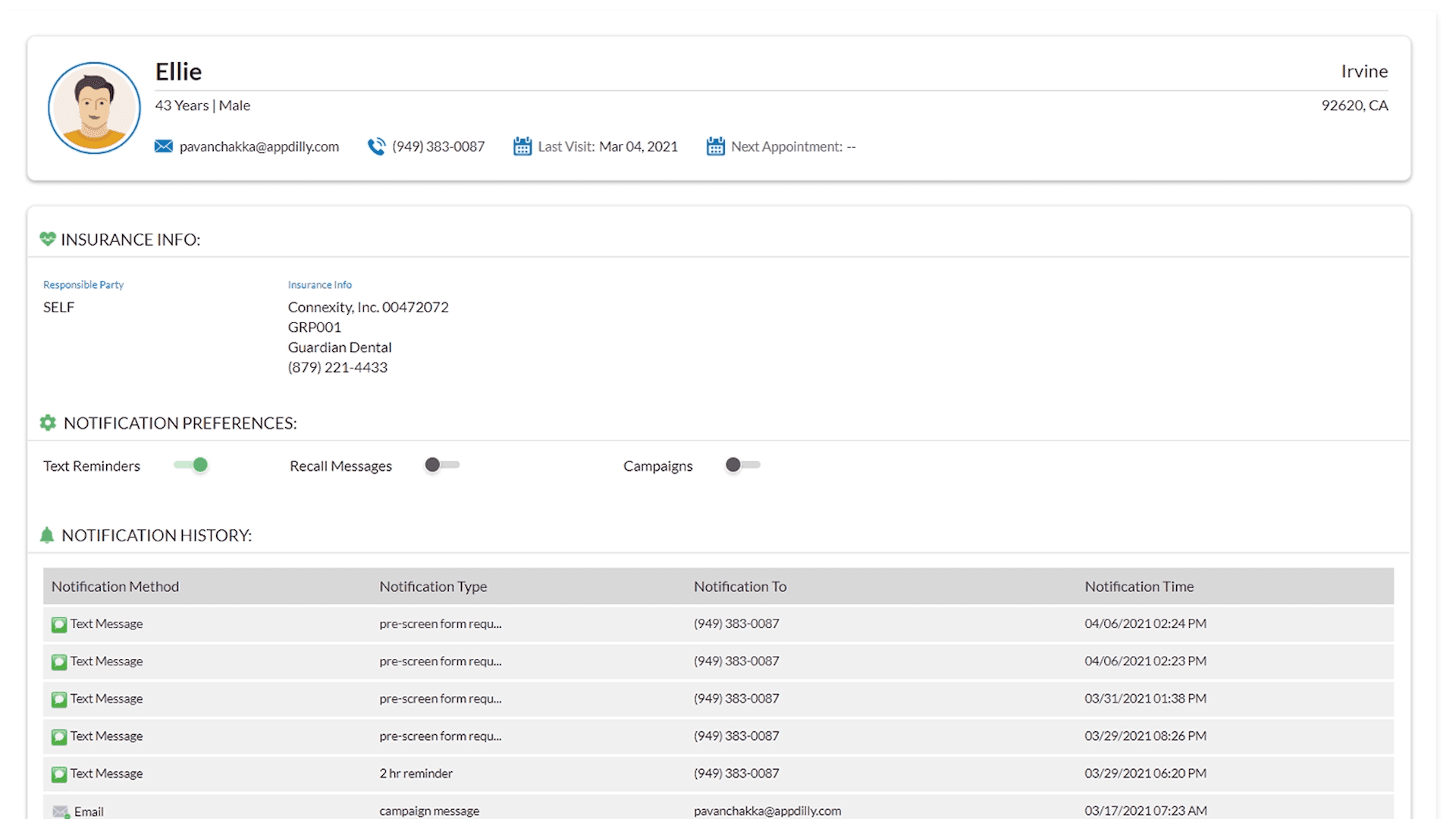
You can view a complete history of all the messages sent to any patient.
1:08