
Introduction
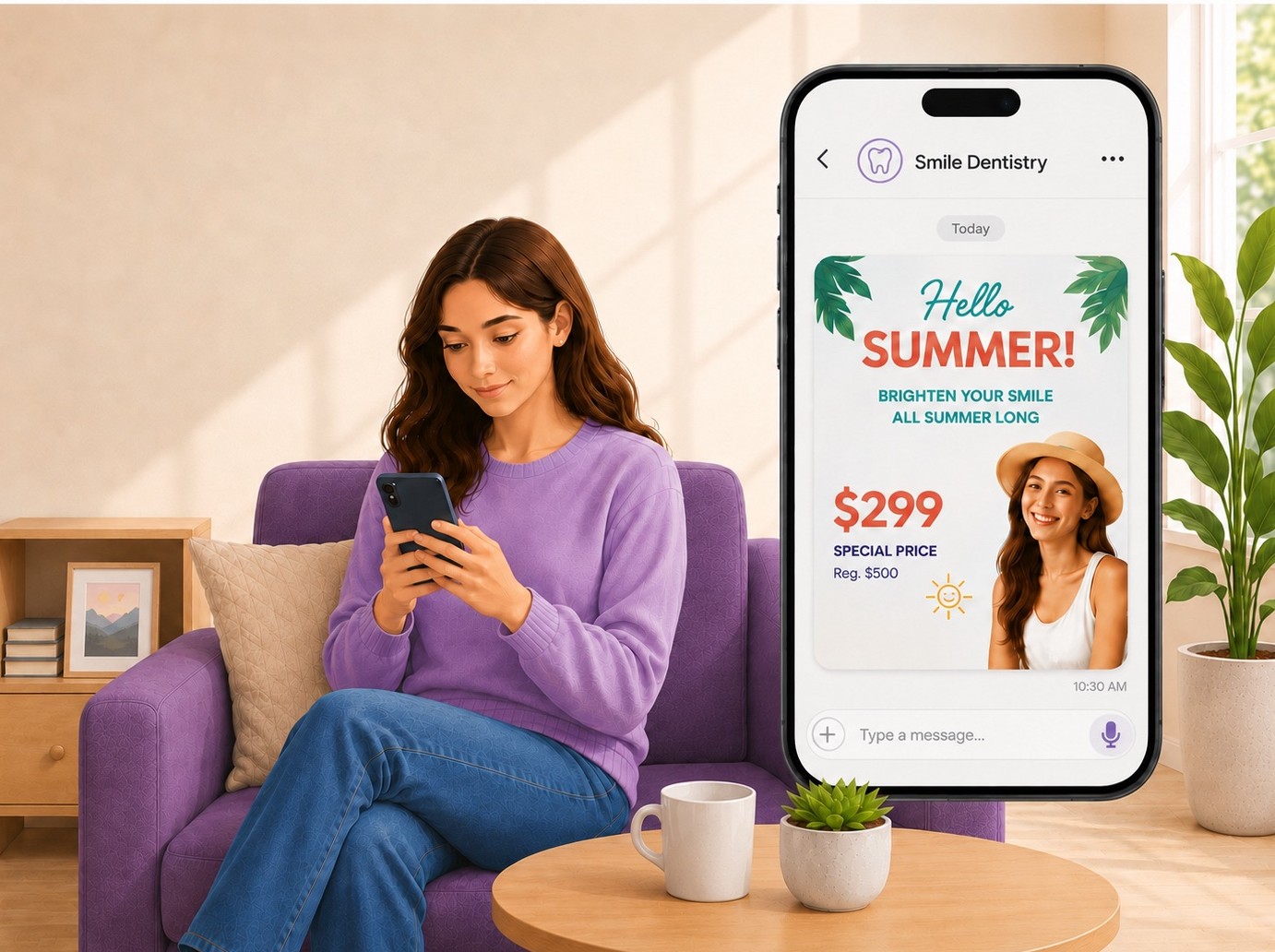
You spent time, and probably money, getting a campaign flyer made. Maybe it's a seasonal promotion. Maybe it's an announcement about a new provider joining your team. Either way, the image looks great.
Now comes the question every dental office eventually asks: How do we actually send this to all our patients?
It's a surprisingly common problem. And until recently, there wasn't a clean answer.
Why Do Dental Offices Struggle to Share Their Campaign Flyers?
The challenge isn't the flyer itself. It's the delivery. Traditional options either cost too much, take too long, or don't reach patients where they're actually paying attention.
Here's what most offices try first:
- Direct mail. Collect patient mailing addresses, upload them to a print service, design the mailer, pay per piece, and wait one to two weeks for delivery. By the time it arrives, your promotion may already be halfway over.
- Email. Design an HTML email, navigate your email platform, upload the image, test across devices, and send. Then watch it land in a promotions tab or go unread entirely. The average marketing email open rate hovers around 20%.
What Is a Campaign Flyer in Patient Texting?
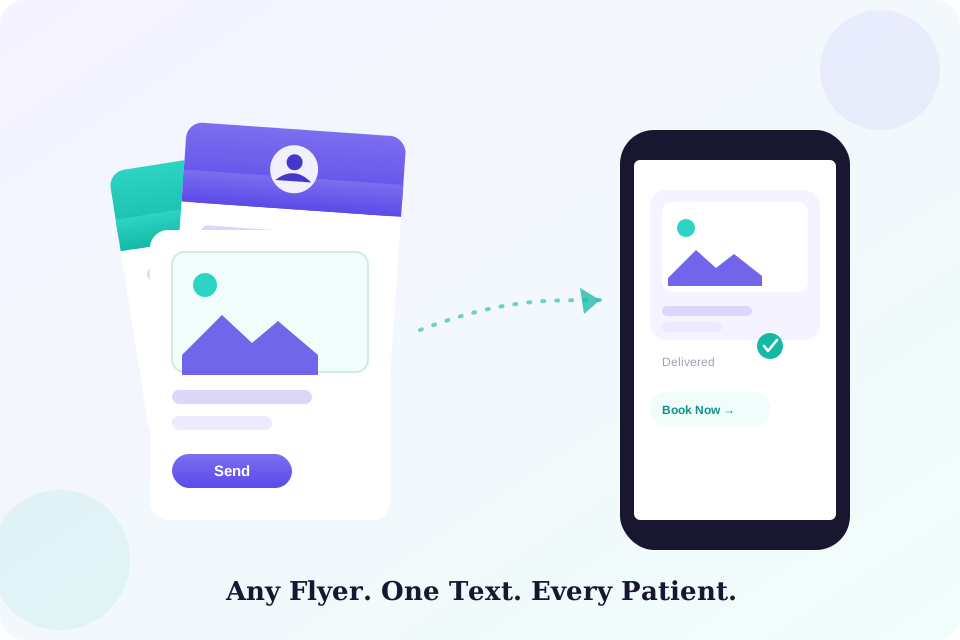
For this feature, a campaign flyer is any image your office wants to send to patients as part of an outreach effort. That includes seasonal promotions, new provider introductions, holiday office hours, special pricing for existing patients, community events, and health awareness campaigns.
These are the kinds of graphics most offices already have ready—professionally designed, on-brand, and waiting to be seen. All that's needed is a simple, fast way to put them in front of every patient.
Why Does Texting Work Better for This?
Text messaging works because it meets patients where they already are. Your office probably uses texting for appointment reminders, and patients respond to those. A picture text works the same way, but instead of a reminder, it delivers your campaign flyer right into their messaging app.
A few useful benchmarks explain why this matters:
- 95% of text messages are read by recipients.
- Three minutes is the average time to open a text after receiving it.
- 20% is the average email open rate for comparison.
There's no app to download and no login required. The image arrives the same way a photo from a friend would, and gets treated the same way. Patients open it, see your flyer at full size, and can act on it immediately.
How Do You Send a Campaign Flyer by Text?
The process is straightforward:
- Choose your patient list. Open your patient list inside your practice management software. Send to your full active patient base, or filter by provider, last visit date, or any other criteria that fits your campaign.
- Attach the flyer. Start a new mass text and attach your campaign flyer as an image. Add a short message alongside it, or let the flyer speak for itself. Either works well.
- Send it. Every patient on your list receives a text with your flyer attached directly in their messaging app. There's no printing, no postage, and no waiting for an email to be opened.
Which Practice Management Systems Support Picture Texting?
Picture texting through PracticeDilly is currently available for offices running on the following platforms:
- Dentrix
- Eaglesoft
- Open Dental
- Practice-Web
- Dentrix Ascend
If your office uses one of these systems, you're already set up. The feature connects directly to your existing software with nothing new to install and no separate patient database to maintain.
If you're unsure which system your office uses, check with whoever manages your front desk software. The name is usually visible on the login screen or in the billing section.
When Should You Use Picture Texting?
Picture texting works best when you have a visual worth sharing and a reason for patients to act soon. Here are the moments it fits naturally:
- Time-sensitive promotions. Whitening specials, Invisalign events, or seasonal offers with a fixed window. A campaign flyer sent a few days before the promotion starts gives patients enough time to book without feeling rushed.
- Provider introductions. When a new dentist, hygienist, or specialist joins your team, a picture text with a professional introduction flyer feels more personal than a generic email announcement.
- Reactivation campaigns. When reaching patients who haven't been in for a while, a well-designed flyer with a friendly offer is more likely to prompt a response than a plain text reminder.
Your patients chose your practice because they trust you. A well-timed campaign flyer reminds them you're still thinking about them.
The next time your office has a campaign flyer ready—whether it's a seasonal promotion, a new team member, or a special offer for existing patients—you now know exactly how to get it in front of every patient on your list. Check your software compatibility, have the image ready, and you're set.
Want to try picture texting for your next campaign?
Check whether your practice management software is supported and see how to get started with PracticeDilly's MMS feature.
Book a Demo