
Some patients complete their forms before the appointment, but that does not always happen.
Suppose a patient arrives at your dental office without completing one of their forms. It could be a medical history, consent form, or registration form. Instead of printing the form or asking the patient to open a link on their own device, your front desk can send the form directly to an office iPad.
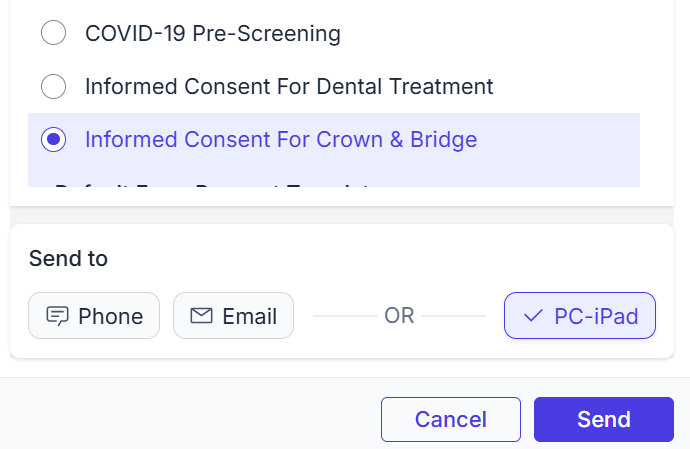
The process is simple: select the patient, choose the form and registered iPad, then tap Send. The form opens on the iPad for the patient to complete.

How Send to iPad works
The flow should feel familiar to the front desk. Staff start with the patient, pick the form that needs to be completed, then choose the iPad the patient will use.
- Select the patient: This can be done from the daily schedule or from the patient's profile.
- Choose the form. Pick the exact form the patient needs, such as medical history, registration, or consent.
- Choose the iPad. Select the registered office iPad where the form should open.
- Send it. The form opens on the iPad so the patient can complete it in the office.
What the patient sees on the iPad
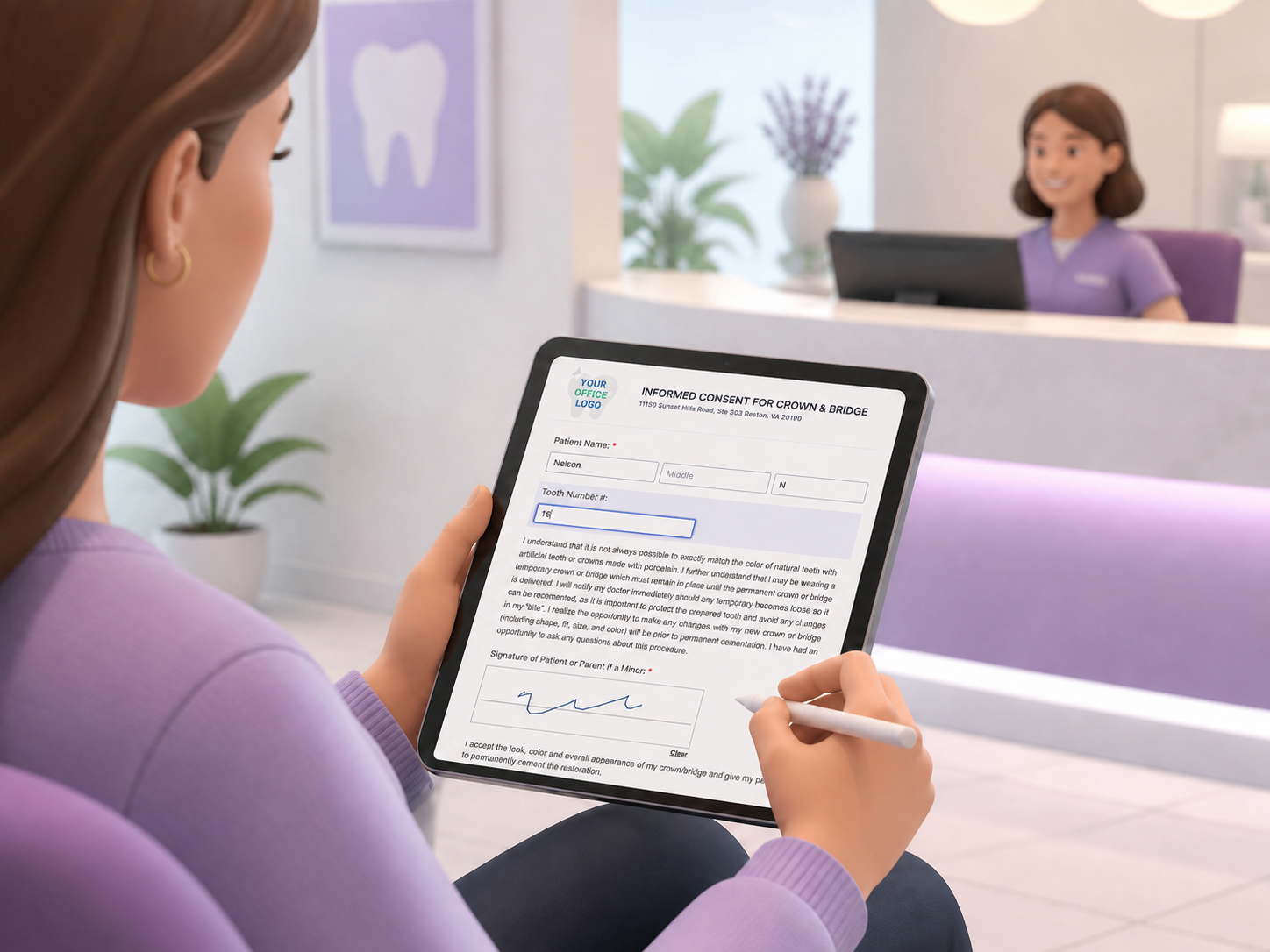
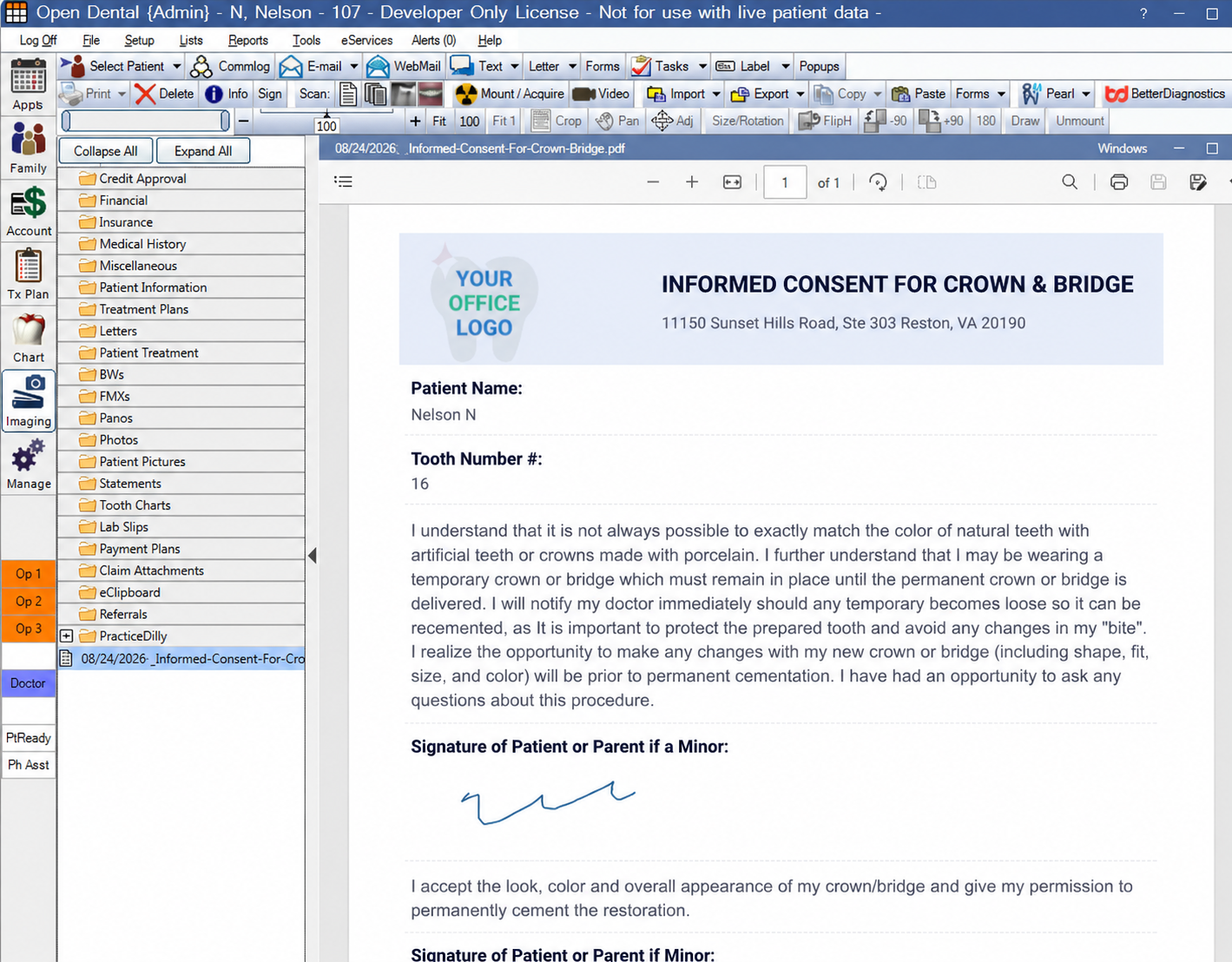
Once the form opens on the office iPad, the patient can enter the required information, select the appropriate options, electronically sign the form, and submit it.
This is especially helpful when the office wants the form completed right away, without printing anything or slowing down check-in.
Why patients like it
Sending forms to an iPad keeps things easy for patients who are already in the office.
- They can use the office iPad instead of their own device.
- They do not need to search for a link.
- They can complete the form while they wait.
Why offices like it
For the practice, this helps the front desk avoid small delays. Offices with multiple registered iPads can choose which device receives the form. For example, staff can send it to an iPad at the front desk, in an operatory, or at checkout, depending on where the patient needs to complete it.
It is a simple way to get more forms completed while the patient is physically present. It also keeps the office moving toward a cleaner, more paperless check-in process.
Want a smoother in-office form workflow?
Send the form to the right iPad, let the patient complete it at check-in, and keep the front desk moving.
Book a Demo