
Introduction
As technology evolves, products and services become cheaper and more efficient. This is especially true for software products and services.
Let me begin with a personal story.
Seven years ago, we purchased a house. As every family does, we wanted to install a home security system as soon as we purchased the house. At the time, I did not know many options, and the only one I knew was ADT, so we went for it.
Although the installation process was a little complicated, we got help from the ADT technician, and he took care of the setup for us. We loved it; we felt safe; I could operate it with my cell phone, all is well. I have been using the ADT security system for six years and pay around $60 per month. I was quite happy using the service until I learned about alternatives (e.g., Ring, SimpliSafe, etc.).
And much to my surprise, I found that these security systems cost just a fraction of what I was paying. I also noticed that they are simple to use. I just turn them on, and they're ready to use. There's no setup, no installation, no technician coming to your house.
After some procrastination, I finally made the switch to Ring Security System. I was able to order the device online and set it up myself. I only have to pay for the device, and there's no monthly fee, although I can get emergency support for less than $10 a month.
I couldn't be more satisfied with the switch. I was able to get all the features offered by ADT and operate the system on my mobile phone. The Ring device was compact enough not to take up much space in my home, and I am able to save $720 annually.
That's the end of my story.
Now, coming back to patient engagement services for dental offices, over the years I have had the chance to speak with hundreds of dental practitioners across pediatric, orthodontic, endodontic, and other practices. Based on those conversations, I felt that roughly 90% of the practices I spoke with were overpaying for their dental patient communication software.
Here are some of the core reasons I felt many dental practices were paying more than they needed to.
You Only Use a Few Features
In most cases, dental offices use dental patient communication software for two main purposes:
- Patient texting. Send and receive text messages with patients.
- Appointment reminders. Send automated appointment reminders and receive confirmations.
The rest of the features are rarely used, or not used at all, but your service provider might still be charging you for features you may not even be aware of.
Drop-in Communication Costs
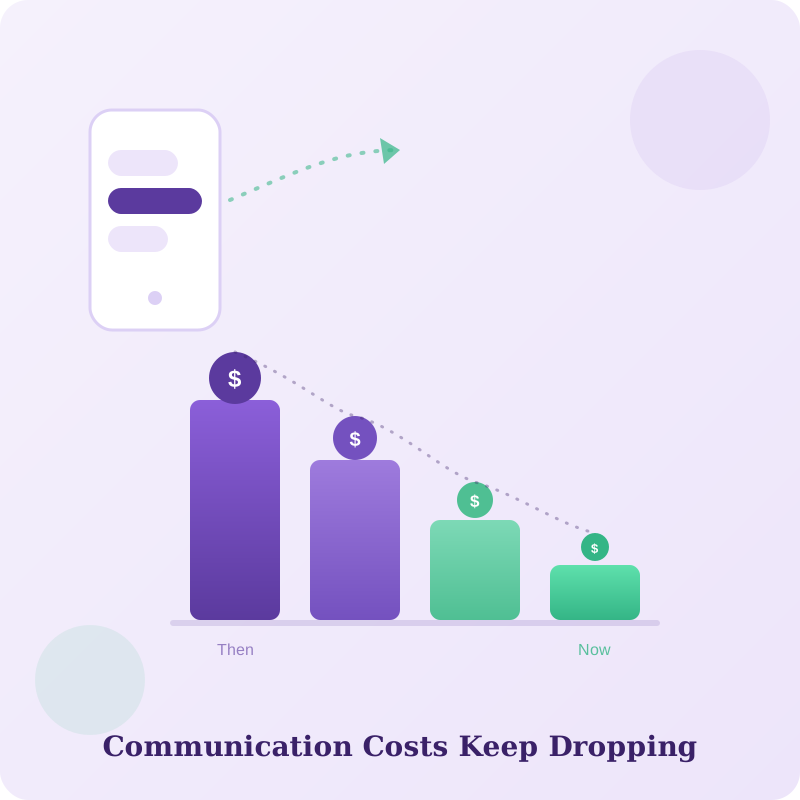
With the evolution of technology, communication costs have dropped drastically in the past few years. Remember when mobile carriers such as AT&T and Verizon used to charge five cents for each text message sent or received? Then WhatsApp happened, and mobile carriers were forced to make text messaging free for customers.
The same thing happened with business texting. Its cost has come down drastically in the past few years. If you are paying more than $100 per month for text messaging and appointment confirmations in your dental office, compare your plan with current alternatives and consider renegotiating with your vendor.
Usage Volume Matters
Not all dental offices have a large volume of daily appointments. Take, for example, dental offices that provide specialized services such as endodontics and periodontics. These offices may see fewer patients each day, so their use of dental patient communication software is minimal. Although patient texting and appointment confirmations are convenient, a lower-volume office should not have to pay the same price as an office with a much larger appointment volume.
How to Choose Dental Patient Communication Software That Suits Your Needs
When choosing dental patient communication software, here are a few things to keep in mind:
- Identify the features you will use regularly. You will find many dental patient communication software options designed specifically for dental practices. As you explore them, look at the features they offer and ask which ones your team would actually use.
- Start small. Begin with the essential features, then add more as your team gets used to the system.
- Look for flexible pricing. Check whether the provider offers plans based on the services you need. This way, you do not have to pay for features you do not use, and you can add more later if your needs change.
- Avoid long-term contracts. Look for a service without a long commitment, so you can move to another option without too much difficulty if the product is not right for you.
- Use a generous free trial. Give your team enough time to evaluate the product and decide whether it fits your practice.
Watch the Short Explanation
This quick video explains why many dental offices may be paying for more patient communication software than they actually use.
A short PracticeDilly overview of dental patient communication software costs.
In the Final Analysis
Most patient engagement services have very similar features. If you are familiar with one system, you will likely have little trouble using a similar one. You do not have to worry too much about the transition because, in most cases, it is seamless. If you find a better-priced product that meets your needs, do not be afraid to give it a try.
Look at the features you need most, pay close attention to how frequently you use them, and decide whether the benefits you receive justify the fees you're paying.
See what your practice actually needs
We'll walk through your workflow and show you the PracticeDilly features that fit your office.
Book a Demo