
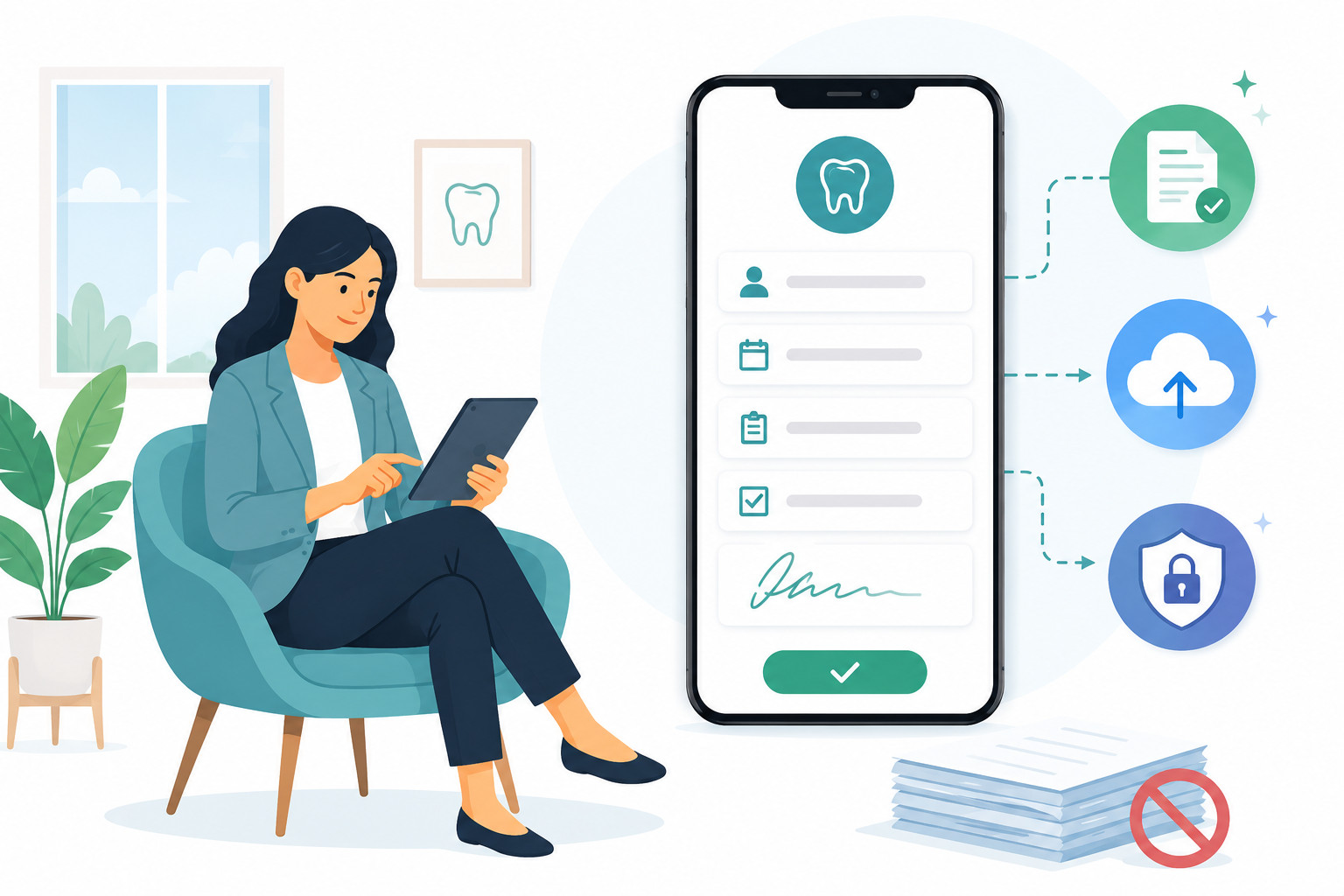
Paper has helped offices collect and share information for a long time. But dental practices do not need to depend on paper for every patient form anymore.
Today, patients can complete forms from a phone, tablet, or computer before they arrive. That means less waiting, less scanning, less manual entry, and fewer stacks of paper around the front desk.
What Are Paperless Dental Forms?
Paperless dental forms are digital versions of the forms patients normally fill out on paper. That can include registration forms, medical history, insurance information, consent forms, HIPAA acknowledgments, and screening forms.
A paperless office does not always mean there is zero paper in the building. It means the practice uses digital documents wherever possible so information is easier to collect, store, and find.
The Problems With Paper Forms
Paper forms create work for patients, staff, and dentists. Patients may have to arrive early and repeat the same information. Staff have to read handwriting, scan pages, enter data, file forms, and later search for them again.
Common problems include:
- More staff time spent filing, scanning, printing, and shredding.
- Limited access when forms are sitting in a folder or cabinet.
- Manual data entry errors.
- Illegible handwriting.
- Lost or damaged forms.
- Extra storage needs for paper records.

The paperwork problem is bigger than the clipboard
The clipboard is only the first step. After the patient hands it back, someone still has to process everything.
Digital forms remove a lot of those extra handoffs and help the front desk keep the day moving.
Why Paperless Forms Became Even More Useful
COVID-19 changed how practices thought about contact, hygiene, and patient screening.
Even now, the lesson still applies: collecting information before the appointment can reduce crowding at check-in and help the team prepare before the patient arrives.
Pre-screening forms, medical updates, and consent forms are easier to manage when patients can complete them digitally ahead of time.
The Benefits of Paperless Dental Forms
The benefits go beyond using less paper. Digital forms can improve the way the whole intake process works.
- Better efficiency. Patient information is easier to access and review, which saves front desk time.
- Time savings. Less printing, scanning, copying, shredding, and manual entry means fewer repetitive tasks.
- Quick access to files. Digital forms are easier to search and retrieve than paper folders.
- More convenient for patients. Patients can complete and e-sign forms from home before the appointment.
- Better first impression. A cleaner, more modern intake process makes the office feel organized.
- Secure collection. Digital forms can be encrypted and stored in a way that supports HIPAA requirements.
- Custom forms. Forms can be built around your practice's real questions, required fields, and checkboxes.
- Lower costs. Less paper, ink, storage, and manual work can reduce overhead over time.
Going paperless is not only about removing paper. It is about removing the slow steps paper creates.
How to Eliminate Paper at Work
Going paperless is an ongoing process. You do not have to throw away every cabinet or change every workflow in one day.
Start with the forms that create the most repeated work, then build from there.
- Choose the right partner. Look for a patient engagement platform that can help your practice move forms online smoothly.
- Review your current paperwork. Check what forms you use today and what needs to stay HIPAA compliant.
- Set paper-reduction goals. Look at where the office prints, scans, mails, or stores the most paper.
- Design the digital workflow. Decide when forms are sent, how patients sign them, and how staff review completed forms.
- Review and improve. Ask staff and patients what is working and what still feels confusing.
Keep the workflow familiar
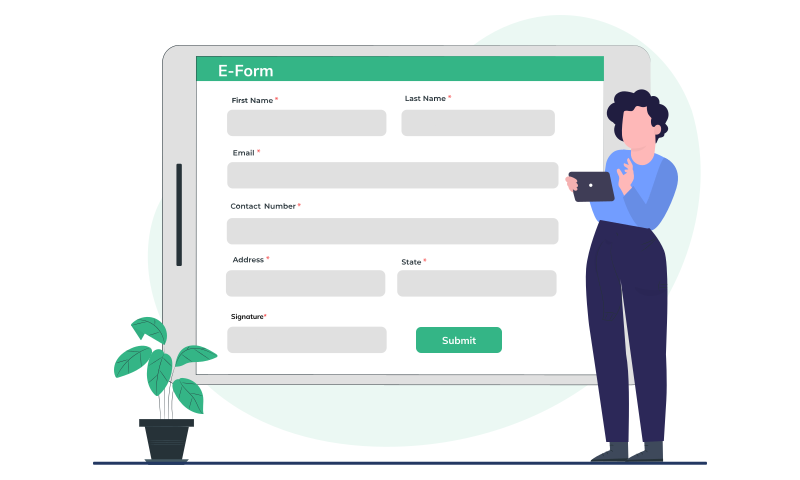
The best rollout feels less like a big software project and more like a cleaner version of what your team already does: send the form, get it completed, review it, and keep the visit moving.
That is why the form link matters. Patients should not need a portal login or a long explanation just to finish intake.
How PracticeDilly Can Help
One reason practices hesitate to go paperless is that they worry new technology will make the process harder. The right setup should do the opposite.
PracticeDilly gives dental offices a library of HIPAA-compliant forms and can help convert existing PDF forms into digital versions.
- Convert forms. Turn your current PDF forms into digital forms.
- Share form links. Embed links on your website or send them through PracticeDilly.
- Let patients complete and e-sign. Patients can finish forms from home before the visit.
- Receive and review forms. Staff can review completed forms and keep appointments moving.
With a cleaner intake process, your team can reduce check-in time and spend less energy dealing with paper-based tasks.
See Paperless Forms in PracticeDilly
This quick demo shows how dental offices can send forms to patients and collect them digitally.
The Takeaway
Paperless dental forms can help your practice save time, reduce errors, lower paper costs, and make intake easier for patients.
The switch does not have to be overwhelming. Start with the forms your team handles every day, make the patient experience simple, and keep improving the process as your team gets comfortable.
Ready to make intake easier?
See how PracticeDilly helps dental practices send, collect, and manage forms before the visit.
Book a Demo