
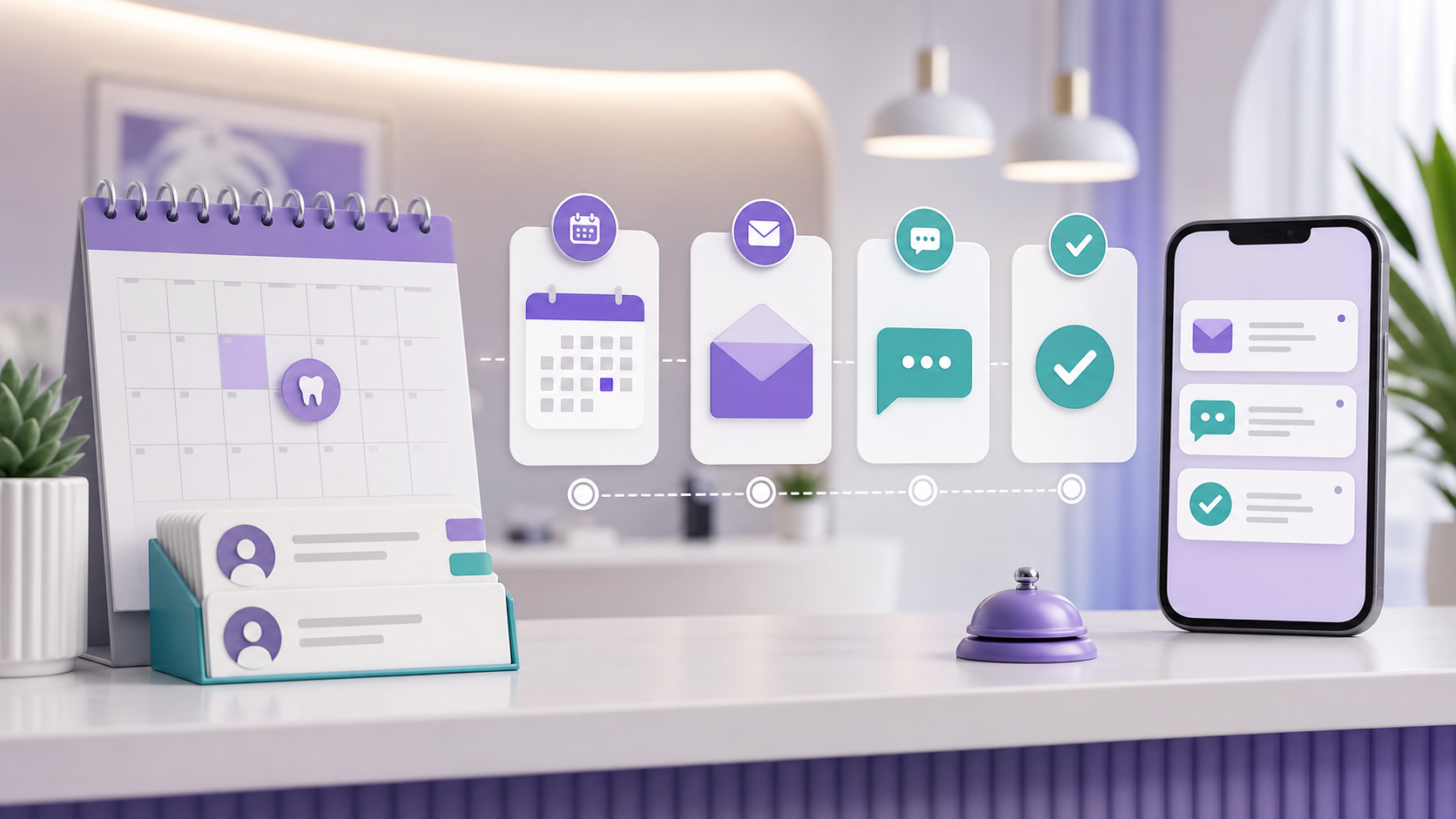
Why Appointment Reminders Matter
Most people rely on their calendar and a reminder to make sure they do not miss something important. Dental appointments are no different.
Patients may book weeks or months ahead. By the time the visit gets close, work, school, family plans, and errands can push the appointment out of mind. A reminder brings it back at the right moment.
For the practice, reminders are not just a nice extra. They help reduce missed appointments, give patients time to reschedule, and keep the front desk from chasing every confirmation by phone.
Missed Appointments Cost More Than the Empty Chair
A no-show does not only leave a gap on the schedule. It affects production, staff time, and the patients who could have used that appointment slot.
Small things can have a big impact in a dental practice. Appointment reminders are one of those small things. When they are handled well, more patients show up and fewer openings appear at the last minute.
Reminders do not make patients care more. They make it easier for busy patients to follow through.
How Reminders Help the Front Desk
Your front desk already handles calls, check-ins, insurance questions, payments, forms, and schedule changes. Asking them to manually remind every patient adds one more repetitive task to a full day.
Automated reminders take that work off their plate. Staff can still see who confirmed, who has not responded, and who may need a personal follow-up.
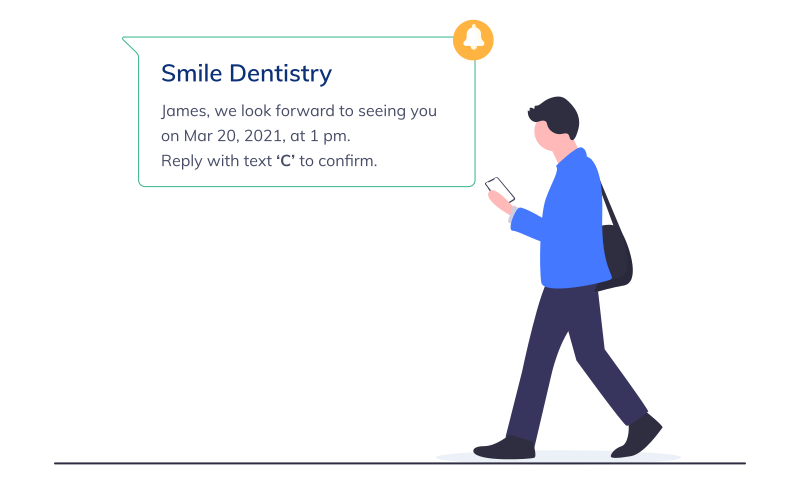
Automation keeps the process steady
Instead of depending on someone to remember every call or text, the reminder sequence runs in the background.
Patients still get a personal, useful message. The team gets more time to focus on the people who actually need help.
How Reminders Improve the Patient Experience
A good reminder should feel helpful, not pushy. It tells the patient the appointment date, time, office name, and what to do next.
When patients can confirm, reschedule, or call from the same message, they feel more in control. That is better than making them search through old emails or call during office hours just to check a time.
When Should Reminders Go Out?
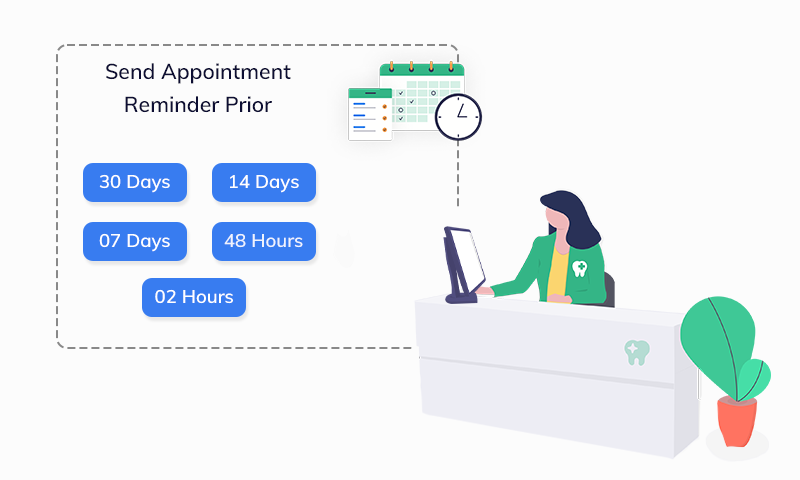
Sending more than one reminder usually works better than relying on a single message. One reminder can be missed. Two or three well-timed messages give patients more chances to respond.
A practical sequence can look like this:
- At booking. Send a confirmation as soon as the appointment is scheduled.
- A few days before. Remind the patient while there is still time to reschedule if needed.
- One day before. Ask for a clear confirmation.
- Same day. Send a short final reminder close to the appointment time.
Email, Text, or Phone Call?
Email is useful when the appointment is still a few days away and the message may include extra details. Text is better when the appointment is close because patients usually see it faster.
Phone calls still matter for patients who do not respond or who prefer a call. But they should not be the only reminder method your team depends on.
Dos and Don'ts of Dental Appointment Reminders
A reminder sequence should make life easier for patients and staff. Keep it simple and thoughtful.
Dos
- Use two or more reminders instead of relying on one message.
- Let patients choose whether they prefer text, email, or phone.
- Personalize the reminder with the patient name, appointment time, and office name.
- Make it easy to confirm or reschedule.
- Use a separate process for new patients if they need forms or extra instructions.
Don'ts
- Do not make the message long or hard to scan.
- Do not send confusing reminders to several family members separately when one grouped message would be clearer.
- Do not choose reminder software in a hurry. Make sure it is easy for your team to use.
What If a Patient Doesn't Respond?
Not every patient will reply. That is expected. The point of automation is to help your team see who needs extra attention.
- No response to the first reminder? Send the next reminder as planned.
- Still no response by the day before? Have staff make a quick call.
- Still cannot reach the patient? Use your waitlist process if the slot becomes risky.
The Takeaway
Dental appointment reminders are a small part of the practice workflow, but they can make a real difference. They help patients remember, help staff stay ahead, and help the schedule stay full.
The goal is not to overwhelm patients. The goal is to send the right reminder at the right time, in the way the patient is most likely to see it.
See the Setup in PracticeDilly
Here is a quick demo showing how dental offices can set up automated appointment reminders inside PracticeDilly.
Want fewer missed appointments?
PracticeDilly can send reminders, confirmations, and waitlist messages automatically.
Book a Demo